
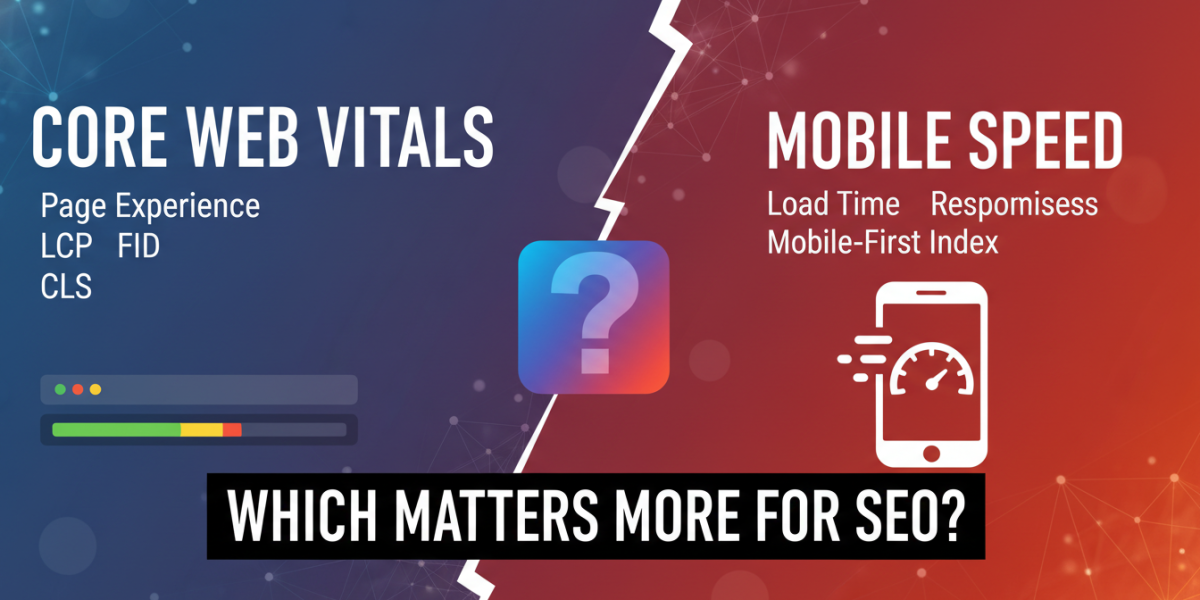
If you’ve spent any time reading about technical SEO in the last few years, you’ve almost certainly come across two terms that tend to get thrown around interchangeably: Core Web Vitals and mobile speed. They sound related — and they are — but they’re not the same thing, and treating them as such can lead you to optimise for the wrong outcomes. So which one actually matters more for your search rankings and user experience? The honest answer is: it depends on what’s holding your site back. But let’s dig into the specifics, because the nuance here is genuinely useful.
What Are Core Web Vitals, Really?
Google introduced Core Web Vitals as part of its Page Experience update, which began rolling out in May 2021. They’re a set of three specific metrics designed to measure how users experience a page — not just how fast it loads, but how stable and responsive it feels.
The three metrics are:
- Largest Contentful Paint (LCP): How long it takes for the largest visible element on a page to load. Google’s threshold for "good" is under 2.5 seconds.
- Interaction to Next Paint (INP): How quickly a page responds to user interactions like clicks or taps. A good score is under 200 milliseconds. (INP replaced First Input Delay in March 2024.)
- Cumulative Layout Shift (CLS): How much the page layout shifts unexpectedly during loading. A good score is under 0.1.
These metrics were specifically chosen because they correlate with real user frustration. If a page takes four seconds to show its main image, users bounce. If a button shifts just as someone’s about to tap it, they click the wrong thing. These aren’t abstract technical figures — they map to actual human behaviour.
How Google Uses Them as a Ranking Signal
Core Web Vitals are a confirmed Google ranking factor, though Google has been clear that great content still outweighs perfect performance scores. They operate as a tiebreaker of sorts — when two pages are broadly similar in relevance and authority, the one with a better page experience may rank higher.
That said, the signal has grown in weight over time, and ignoring it entirely isn’t a wise strategy, especially in competitive niches.
Mobile Speed: A Broader and Older Concept
Mobile speed is a wider umbrella. It refers to how quickly your site loads and functions on mobile devices — and this has been a ranking factor since 2018, when Google switched to mobile-first indexing. From that point on, Google primarily uses the mobile version of your site for indexing and ranking, regardless of whether most of your visitors come from desktop.
Mobile speed is measured through several tools and metrics, including:
- Time to First Byte (TTFB): How quickly the server responds
- First Contentful Paint (FCP): When the first piece of content appears
- Total Blocking Time (TBT): How long the main thread is blocked during loading
- PageSpeed Insights score: Google’s composite score (0–100), which draws on Lighthouse data
A slow mobile experience damages both rankings and conversions. Research from Google’s own studies found that as page load time goes from one second to three seconds, the probability of a bounce increases by 32%. Go from one second to five seconds, and that probability jumps to 90%.
Why Mobile Speed and Core Web Vitals Overlap — But Don’t Fully Align
Here’s where people get confused. Core Web Vitals are measured on both desktop and mobile, and they’re part of the broader PageSpeed Insights report. So in one sense, Core Web Vitals are a subset of mobile performance metrics.
But a page can score well on Core Web Vitals and still perform poorly on mobile — for example, if it has a poor server response time or uses render-blocking JavaScript that delays the FCP without dramatically affecting LCP. Conversely, a page can have fast raw load times but a terrible CLS score because of late-loading ads or fonts.
Think of it this way: mobile speed is the road, and Core Web Vitals are the road conditions. Both matter for getting from A to B, but they measure different things.
Which One Has a More Direct Impact on SEO Rankings?
Let’s be honest about what the data shows. Core Web Vitals have a more direct and documented role in Google’s ranking algorithm right now. Google explicitly lists them under its Page Experience signals. Mobile speed, while critically important, influences rankings more indirectly — through its effect on crawlability, indexation, bounce rate, and dwell time.
That doesn’t mean mobile speed is less important in practice. A site that loads in eight seconds on a 4G connection is going to struggle regardless of how clean its layout is. The two factors reinforce each other.
If you had to prioritise, a reasonable framework is:
- Fix catastrophic mobile speed issues first — if your TTFB is over one second or your page is over 5MB, address that before anything else.
- Then optimise for Core Web Vitals — these refinements will have a more direct impact on your ranking signal once the fundamentals are in place.
Real-World Scenarios: When Each Factor Wins
Scenario 1: An E-Commerce Site With Heavy Product Images
For a site like this, LCP is almost always the problem. Large hero images, uncompressed product photos, and lazy-loading issues can push LCP well past the 4-second mark. Here, Core Web Vitals — specifically LCP — is the priority, and improving it will directly move the ranking needle.
Practical fix: Switch to WebP format, implement proper lazy loading (but not on above-the-fold images), and use a CDN to serve images from geographically closer servers.
Scenario 2: A News or Blog Site With Lots of Ads
Ad networks are notorious for causing CLS. Ad slots that load after the page content can push text down the page, leading to high layout shift scores. This is a Core Web Vitals problem, but it’s also a mobile experience problem — ads are often more disruptive on small screens.
Practical fix: Reserve space for ad slots with fixed dimensions in the CSS so the layout doesn’t shift when ads load.
Scenario 3: A Local Service Business Website
For a plumber, dentist, or solicitor serving a specific region — say, a business based in Dublin or Cork — mobile speed often matters more immediately than nuanced Core Web Vitals scores. Local search users are frequently on the go, using mobile data, and looking for quick answers. A site that loads in under two seconds on mobile will outperform a technically "perfect" site that takes four seconds because of unnecessary JavaScript.
For these businesses, Google’s PageSpeed Insights score and basic mobile usability (no text too small to read, no content wider than the screen) are often the bigger wins.
How to Audit Your Site for Both
You don’t need to choose between checking one or the other — the tools largely overlap. Here’s a simple process:
- Run Google PageSpeed Insights (pagespeed.web.dev) on your key pages — homepage, main service or product pages, and top-ranking blog posts.
- Check your Core Web Vitals in Google Search Console under the "Experience" section. This shows field data from real users, which is more reliable than lab data.
- Use Chrome DevTools’ Lighthouse tab for a deeper breakdown of what’s causing poor scores.
- Test on a real mobile device or use tools like BrowserStack to simulate real mobile conditions, not just a resized desktop browser.
One thing worth noting: there are two types of data — lab data (simulated) and field data (real users). Google’s ranking decisions are based on field data from the Chrome User Experience Report (CrUX). A site can score 90+ in PageSpeed Insights but still have poor Core Web Vitals in Search Console if real users experience it differently.
The Role of Hosting and Infrastructure
A conversation about mobile speed and Core Web Vitals that ignores hosting is incomplete. Your server response time is foundational — if your TTFB is consistently over 600ms, no amount of image optimisation or code minification will fully compensate.
Shared hosting plans, particularly budget-tier ones, often have unpredictable response times. Moving to a managed WordPress host or a VPS with proper caching can reduce TTFB from 800ms to under 200ms without touching a line of code.
Similarly, using a Content Delivery Network (CDN) like Cloudflare or Fastly routes users to the nearest server node, reducing latency particularly for international or geographically dispersed audiences. For businesses in Ireland targeting both local and UK audiences, this kind of infrastructure decision can shave a full second off mobile load times.
Frequently Asked Questions
What is the difference between Core Web Vitals and mobile speed?
Core Web Vitals are three specific metrics (LCP, INP, CLS) measuring user experience quality during page load. Mobile speed is a broader concept covering overall load performance on mobile devices. Core Web Vitals are part of the mobile speed picture, but not all of it — you can have good Core Web Vitals and still have a slow mobile experience.
How much do Core Web Vitals actually affect my Google rankings?
Google has confirmed they’re a ranking signal, but content relevance and authority still carry more weight. Core Web Vitals tend to act as a differentiator in competitive rankings — if two pages are similar in quality, the one with better Core Web Vitals may rank higher. For most sites, fixing major performance issues will matter more than chasing a perfect score.
Is it worth paying for a developer to fix Core Web Vitals?
If your Core Web Vitals are in the "Poor" category in Google Search Console — especially LCP or CLS — then yes, it’s worth addressing. Poor scores actively hurt user experience and can suppress rankings. The investment required depends on your site’s complexity, but even basic improvements (image formats, reserved ad slots, deferring non-critical scripts) can move scores significantly.
Does mobile-first indexing mean I should ignore desktop performance?
Not exactly. Mobile-first indexing means Google primarily uses your mobile site for ranking, but your desktop experience still matters for users who visit on desktop. Focus on mobile performance first, then ensure desktop isn’t significantly worse. Desktop Core Web Vitals are also tracked separately in Search Console.
How often should I check my Core Web Vitals?
After any major site update, new plugin install, or design change, run a PageSpeed Insights check. For ongoing monitoring, set up a monthly review of the Core Web Vitals report in Google Search Console. Field data updates roughly every 28 days, so monthly checks capture real trends.
Conclusion
Core Web Vitals and mobile speed aren’t rivals — they’re complementary. But if you’re working with limited time or budget, understanding the distinction helps you prioritise effectively. Core Web Vitals give you a direct line to Google’s documented ranking signals and map closely to real user frustration. Mobile speed improvements address the foundational infrastructure that makes everything else possible.
For most websites, the smart approach is to fix obvious mobile speed problems first — server response time, page weight, render-blocking resources — and then refine Core Web Vitals. Together, they create a site that not only ranks better but actually keeps visitors around long enough to convert. That combination is what sustainable SEO looks like in 2024 and beyond.
Want to know how your site stacks up? Whether you’re dealing with poor Core Web Vitals scores, a sluggish mobile experience, or simply not sure where to start, our team is here to help. Reach out and we’ll be happy to walk through your site’s performance and discuss practical steps forward.
📧 Email us at moc.ssobebolg@ofni
📞 Or call +353 1 868 2345
We’re always happy to have a straightforward conversation — no jargon, no pressure, just useful advice.
Dublin's ROI-Driven Digital Marketing Agency Home
Related Posts
 Core Web Vitals vs Page Speed: What Dublin Sites Need to Know
 Core Web Vitals Your Site Speed Is Costing You Money
 The Core Web Vitals Checklist for Faster Irish E-commerce
 Google’s Core Web Vitals: Speed
 LCP, INP, CLS Explained for Irish Business Owners
 How to Pass Core Web Vitals on a Dublin WordPress Site
 Page Experience Update: Core Web Vitals & Ranking Factors
 Core Web Vitals Optimization