
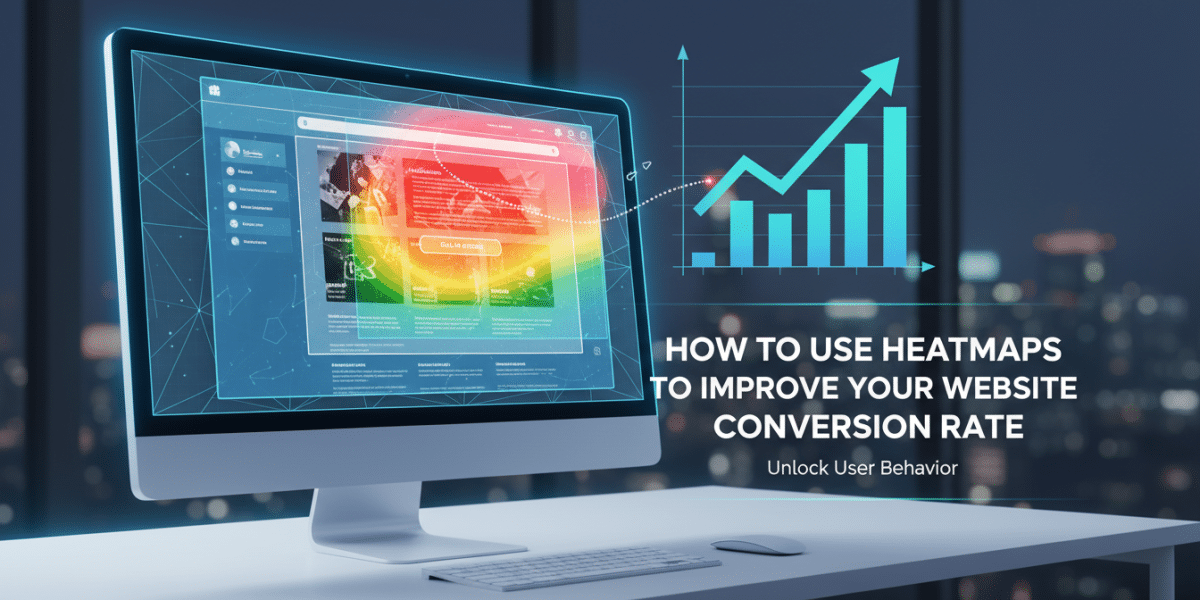
How to Use Heatmaps to Improve Your Website Conversion Rate: Unlocking User Behavior for Better Results
Have you ever looked at your website’s analytics and wondered, “What are people really doing here?” You see bounce rates, page views, and conversion percentages, but it all feels a bit abstract. It’s like knowing the score of a football game without ever seeing a single play. You know what happened, but you have no idea why.
This is where heatmaps enter the arena, completely changing the game for understanding user behavior. Imagine having X-ray vision for your website, allowing you to see exactly where visitors click, how far they scroll, and what elements capture their attention. That’s the power of heatmaps, and when harnessed correctly, they become an incredibly potent tool to improve your website conversion rate.
In today’s competitive digital landscape, a higher conversion rate isn’t just a nice-to-have; it’s essential for sustainable growth. It means more leads, more sales, and a better return on your marketing investment. And the key to unlocking those conversions often lies in truly understanding your audience. Heatmaps give you that understanding, visually and intuitively.
What Exactly Are Heatmaps, and Why Do They Matter for Conversion?
At its core, a heatmap is a graphical representation of data where values are depicted by color. On a website, this means user interaction data. Think of a weather map showing temperature variations – red for hot, blue for cold. Heatmaps apply this same principle to your web pages, illustrating “hot” areas of activity (where users interact most) and “cold” areas (where they don’t).
Why does this matter for conversion rate optimisation (CRO)? Because conversions happen when users successfully complete a desired action – filling out a form, making a purchase, signing up for a newsletter. If you can see why they might not be completing these actions, where they get stuck, or what distracts them, you can fix it. Heatmaps turn abstract analytics into actionable insights, showing you precisely where user friction exists and where opportunities for improvement lie.
The Different Flavors of Heatmaps: Tools in Your CRO Arsenal
Not all heatmaps are created equal. Different types offer unique perspectives on user behavior, each providing valuable clues for improving your website’s performance and conversion potential.
Click Maps: Uncovering What Gets Tapped and Touched
Click maps are perhaps the most straightforward and instantly gratifying type of heatmap. They show you exactly where visitors click their mouse on a desktop or tap their finger on a mobile device. Areas with more clicks appear “hotter” (often red or orange), while less clicked areas are “cooler” (blue or green).
How they help conversion:
- Identify ignored CTAs: Is your “Buy Now” button a ghost town? A click map will instantly show you if users are overlooking your primary calls to action.
- Spot “rage clicks” or “dead clicks”: Are users repeatedly clicking on non-clickable elements, like images they assume are links or plain text they think is interactive? This signals frustration and a poor user experience, which is a conversion killer.
- Uncover unexpected hotspots: Sometimes users click on elements you never intended to be interactive, indicating a potential desire for more information or a natural inclination to click there. This can spark ideas for new CTAs or content.
- Validate design choices: Are your navigation menus and internal links being used as intended? Click maps provide clear visual proof.
Scroll Maps: Revealing How Far Users Journey Down Your Page
Scroll maps are fascinating. They illustrate how far down a page users actually scroll. Typically, the top of the page (what’s “above the fold”) is the hottest (most viewed) and the bottom is the coldest (least viewed). The color gradient shows the percentage of users who saw each section of your content.
How they help conversion:
- “Above the Fold” Optimization: Is your most crucial information – your unique selling proposition, primary CTA, or compelling headline – visible without scrolling? If not, a scroll map will show a rapid drop-off immediately below the fold.
- Content Placement Insights: Are users dropping off before they even reach your vital testimonials, product features, or contact form? This suggests your page is too long, the content isn’t engaging enough, or key elements are buried too deep.
- Hidden Opportunities: If a significant percentage of users are scrolling to the bottom, it might be an opportunity to add a secondary CTA or more detailed information there.
- Improve long-form content: For blog posts or detailed product pages, scroll maps help you identify where engagement drops off, allowing you to restructure or trim less impactful sections.
Move Maps (or Hover Maps): Tracking User Attention and Eye Movement
Move maps record where users move their mouse cursor across the page. While not a direct measure of eye-tracking, studies have shown a strong correlation between mouse movement and eye movement. Hotter areas indicate where users paused or concentrated their cursor.
How they help conversion:
- Attention Hotspots: See which headlines, images, or blocks of text capture user attention the most. This helps you understand what resonates visually.
- Identify Distractions: Are users hovering over irrelevant images or decorative elements instead of your conversion-focused content?
- Form Field Frustration: If users are hovering over a specific form field for an extended period, it could indicate confusion about what information is required, leading to form abandonment.
- Content Comprehension: Areas with prolonged hovering might indicate users are taking time to read and process information, suggesting that content is valuable.
Session Recordings: The Full Movie of a User’s Visit
While not a heatmap in the traditional sense, session recordings are an invaluable companion tool often bundled with heatmap software. They record individual user sessions, allowing you to watch a video playback of their entire journey on your site – every click, scroll, and mouse movement.
How they help conversion:
- Contextual Understanding: Heatmaps show what is happening. Session recordings show why it’s happening, revealing user intent, frustrations, and unexpected navigation paths.
- Debugging User Experience: Spot technical glitches, broken links, or confusing navigation that might be contributing to user drop-offs.
- Empathy Building: Watching real users interact with your site builds empathy and provides “aha!” moments that statistics alone can’t.
Setting Up Your Heatmap Campaign: Getting Started with CRO
Getting started with heatmaps is surprisingly straightforward.
- Choose a tool: Popular options include Hotjar, Crazy Egg, FullStory, and VWO, among others. Most offer free trials or basic free plans.
- Define your goals: Don’t just track everything. Identify specific pages or conversion funnels you want to improve. For example, your product page, pricing page, or checkout flow.
- Implement tracking code: Most tools provide a simple JavaScript snippet to add to your website’s header. It’s usually a one-time setup.
- Gather sufficient data: Don’t draw conclusions from just a few hundred visits. Aim for at least several thousand page views per heatmap to identify reliable patterns.
How to Use Heatmaps to Improve Your Website Conversion Rate: A Step-by-Step Guide
Now for the actionable part. Let’s dive into practical ways to leverage these powerful visual insights.
1. Identify Underperforming Pages (and Prioritize Them)
Start by linking your heatmap data with your traditional analytics (like Google Analytics). Look for pages with:
- High bounce rates
- Low time on page
- Low conversion rates
- Crucial stages in your conversion funnel
These are your prime candidates for heatmap analysis. Prioritize pages that have the most direct impact on your business goals.
2. Analyze Click Maps for Friction and Opportunities
Once you have enough data, dive into your click maps:
- Unclicked CTAs: If your main “Add to Cart” or “Sign Up” buttons aren’t hot, investigate. Is the button design unclear? Is the copy unconvincing? Is it placed too low?
- “Rage Clicks” or Clicks on Non-Interactive Elements: If users are repeatedly clicking on an image that isn’t a link, consider making it clickable, adding a tooltip, or changing its appearance so it doesn’t look interactive. This is a clear sign of user frustration.
- Ignored Valuable Content: Are key features, testimonials, or trust signals being overlooked? Consider making them more prominent or visually appealing.
- Unexpected Hotspots: If a random paragraph or image is getting a lot of clicks, users might be looking for more information there. Could it be a hidden opportunity for a new link or CTA?
3. Optimize Page Layout with Scroll Maps
Scroll maps are your guide to content prioritization:
- “Above the Fold” Review: Ensure your most important message, value proposition, and primary call to action are immediately visible without scrolling. If your scroll map shows a sharp drop-off just below the fold, you’re losing visitors before they see your best stuff.
- Reorder Content: If important content (like pricing, key benefits, or social proof) is appearing in the “cold” blue zone, move it higher up the page.
- Introduce Secondary CTAs: For very long pages, if users are scrolling to the bottom, consider adding a secondary, less prominent CTA there to capture those who finished the content.
- Evaluate Page Length: If almost no one is reaching the bottom of your page, experiment with shortening it or breaking it into multiple pages.
4. Understand User Attention with Move Maps
Move maps help you see what visually grabs (or fails to grab) attention:
- Headline and Image Effectiveness: Are users hovering over your main headlines and hero images? This suggests they are engaging with these critical elements. If not, they might need refinement.
- Distraction Removal: Are users spending too much time hovering over decorative elements or sidebars that aren’t critical to conversion? Consider simplifying the design to focus attention on core content.
- Form Field Clarification: If users are hovering over specific form fields for a long time, it indicates confusion. Rephrase the label, add a tooltip, or simplify the input required.
5. Form Optimization Through Heatmaps
Forms are conversion bottlenecks, and heatmaps are incredible for fixing them:
- Click Maps on Forms: Show you which fields are getting clicked, which are skipped, and which might be causing “rage clicks” due to errors or difficulty.
- Scroll Maps on Long Forms: Reveal if users are abandoning the form before even seeing all the fields.
- Move Maps on Forms: Highlight fields where users pause, suggesting confusion or too much cognitive load.
- Actionable Tip: Based on these insights, you might remove unnecessary fields, break long forms into multiple steps, or reorder fields for a more natural flow.
6. Mobile vs. Desktop Analysis
User behavior differs dramatically between devices. Always view heatmaps separately for desktop and mobile versions of your pages. What works on a large screen might be frustrating on a small one, and vice-versa. Pay close attention to mobile tap patterns and scroll depth, as mobile users often have less patience.
Beyond the Visual: Combining Heatmaps with Other Data
While heatmaps are incredibly powerful, they tell an even richer story when combined with other data sources:
- Google Analytics: Use GA to identify which pages have conversion issues, then use heatmaps to understand why.
- Session Recordings: For specific “hot” or “cold” areas on a heatmap, watch relevant session recordings to see the user’s full journey and context.
- User Surveys & Interviews: If heatmaps reveal confusion, ask users directly for feedback to pinpoint the underlying problem.
- A/B Testing: Heatmaps help you form hypotheses for improvement. A/B testing then allows you to validate those hypotheses by measuring the impact of your changes on conversion rates.
Best Practices for Heatmap Analysis and CRO Success
To truly leverage heatmaps for conversion, keep these best practices in mind:
- Gather Enough Data: Don’t make decisions based on anecdotal evidence from a handful of users. Wait until you have thousands of page views.
- Look for Patterns, Not Anomalies: Individual weird clicks happen. Focus on recurring trends.
- Formulate Hypotheses: Instead of just “changing things,” create a hypothesis: “I believe moving the CTA above the fold will increase clicks by 15% because the scroll map shows only 30% of users see it currently.”
- Test Your Changes: Once you’ve identified potential improvements using heatmaps, A/B test your changes to objectively measure their impact on your conversion rate.
- Iterate and Continually Optimize: CRO is an ongoing process. Heatmaps provide continuous insights for improvement.
- Segment Your Audience: Look at heatmaps for different segments – new vs. returning visitors, traffic from specific campaigns, mobile vs. desktop users. Their behavior might differ significantly.
Conclusion
Heatmaps are more than just pretty visuals; they are a direct window into the minds and behaviors of your website visitors. They demystify user interaction, highlighting areas of engagement, frustration, and opportunity that traditional analytics simply can’t. By understanding where users click, scroll, and hover, you gain the empathy needed to identify friction points and optimise your website’s design and content.
Embracing heatmaps in your conversion rate optimisation strategy is about moving beyond guesswork and making data-driven decisions. It’s about creating a website experience that is intuitive, engaging, and ultimately, more effective at converting visitors into loyal customers. So, install your heatmap tool, start gathering data, and prepare to unlock a deeper understanding of your users – and a significant boost in your conversion rates.
Dublin's ROI-Driven Digital Marketing Agency Home
Related Posts
 Globe Boss Conversion Rate Optimization Dublin
 What Makes a Website Convert Visitors Into Customers
 Conversion Rate Optimization Top 10 Strategies for Success
 What is Conversion Rate Optimization (CRO) for Irish businesses?
 What is conversion rate how do you calculate it
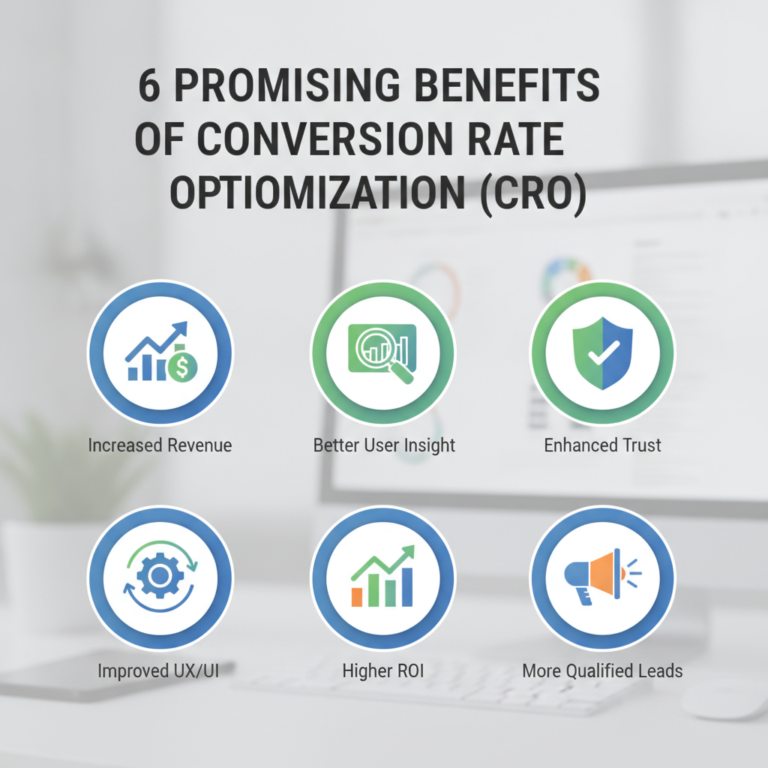 6 promising benefits of conversion rate optimisation cro
 How do you optimise conversion rate
 Conversion
rate optimisation cro for lead generation websites
Conversion
rate optimisation cro for lead generation websites