
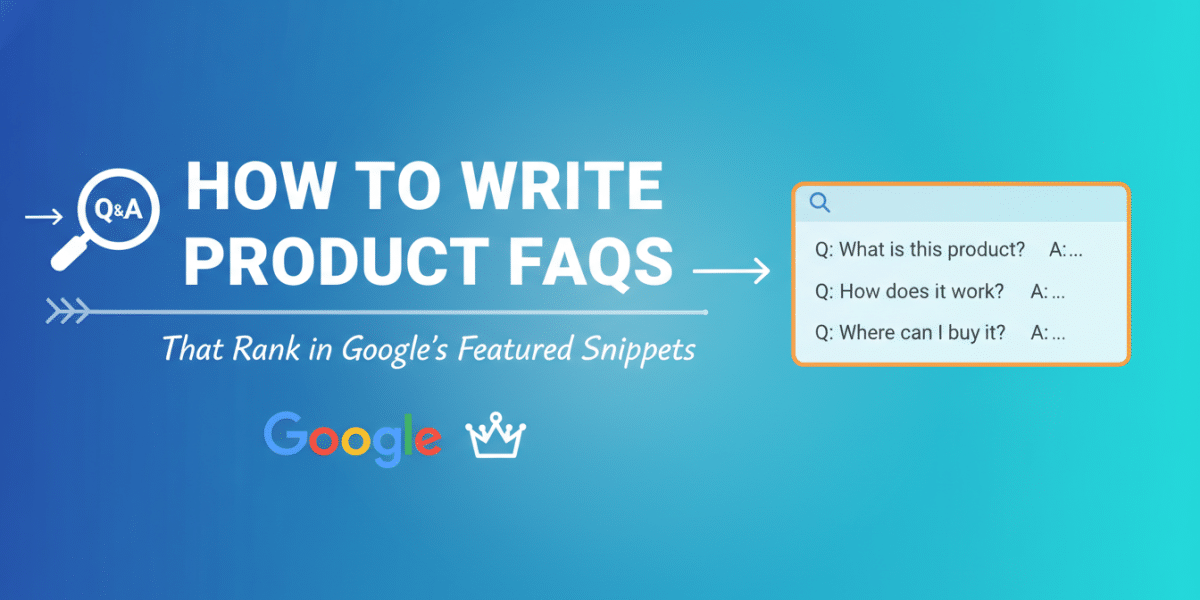
In today’s fast-paced digital world, users want answers, and they want them now. Google, ever the helpful guide, delivers these quick solutions through its coveted Featured Snippets. For businesses selling products online, these snippets aren’t just a bonus; they’re a direct line to potential customers, offering unparalleled visibility right at the top of search results. And what better content format to capture these snippets than well-crafted Product FAQs?
This article will dive deep into how to write product FAQs that rank in Google’s Featured Snippets, transforming your frequently asked questions from a simple support page into a powerful SEO asset. We’ll explore the mindset, the strategy, and the practical steps needed to help your products stand out.
The Power of FAQs in the Featured Snippet Era
Think about your last Google search. Chances are, for many informational queries, you saw a highlighted box at the very top of the results, providing a direct answer without you even needing to click through to a website. That’s a Featured Snippet, and it’s gold for businesses.
What Are Featured Snippets and Why Do They Matter?
Featured Snippets are short, direct answers to a user’s query, pulled directly from a webpage and displayed prominently above the traditional organic search results. They come in various forms: paragraphs, lists, tables, and even videos. For product pages, they often answer specific questions like “What is [product name] made of?” or “How do I use [product feature]?”
Why should you care?
- Maximum Visibility: Occupying “position zero” means your content is the first thing users see.
- Instant Authority: Google deems your answer the best, building trust with potential customers.
- Increased Click-Through Rate (CTR): Even if the answer is in the snippet, users often click to learn more, especially for complex product questions.
- Voice Search Optimization: Snippets are often the answers delivered by voice assistants like Google Home or Siri.
FAQs: A Natural Fit for Google’s Direct Answers
Product FAQs are inherently designed to answer questions. This makes them perfectly aligned with Google’s goal of providing direct answers. Each FAQ question-and-answer pair is, in essence, a potential Featured Snippet waiting to happen. By optimising these, you’re not just improving your customer service; you’re creating a robust SEO strategy. The challenge, then, is to structure and phrase them in a way that Google readily recognizes and elevates.
Understanding User Intent: The Foundation of Ranking FAQs
Before you even begin writing, you need to understand what your potential customers are asking. Google’s algorithm is all about user intent, so your FAQs must genuinely address the questions that people are typing into the search bar.
Digging Deep: Where Do Your Customers’ Questions Live?
To effectively write product FAQs that rank in Google’s Featured Snippets, you need to gather authentic questions. Forget guessing; dive into the data:
- Customer Support Tickets/Emails/Chat Logs: Your customer service team is a goldmine of real user questions, pain points, and common misunderstandings. Categorize these by product.
- On-site Search Data: What are visitors searching for on your own website? This reveals immediate user needs.
- “People Also Ask” (PAA) Boxes: When you search for your product or a related query on Google, pay close attention to the “People Also Ask” section. These are highly relevant, common questions Google has identified.
- Keyword Research Tools: Tools like Ahrefs, SEMrush, or Google Keyword Planner can uncover question-based keywords related to your products (e.g., “how to use X product,” “is Y product waterproof?”).
- Competitor FAQs/Product Reviews: See what questions your competitors are answering or what concerns customers raise in reviews.
- Social Media & Forums: Monitor discussions around your product niche.
Speaking Their Language: Crafting User-Centric Questions
Once you have a list of real questions, phrase your FAQ questions exactly how a user would ask them. Avoid internal jargon or overly technical language.
Good Examples:
- “What materials is the [Product Name] made from?” (instead of “Compositional Breakdown”)
- “How do I clean my [Product Name]?” (instead of “Maintenance Protocol”)
- “Is the [Product Name] waterproof?” (instead of “Water Resistance Rating”)
This natural language approach is crucial for Google to match your content to user queries and select it for a snippet.
The Core Strategy: How to Write Product FAQs That Rank in Google’s Featured Snippets
Now for the practical application. With your questions in hand, it’s time to craft answers that Google loves.
Nail the Answer: Be Concise, Direct, and Complete
This is the most critical step. Featured Snippets are all about quick answers. Your goal is to provide a complete, yet brief, response to the question within the first few sentences.
- Start with the Answer: Don’t beat around the bush. Begin your answer by directly addressing the question.
- Optimal Length: Aim for answers between 40-60 words for paragraph snippets. This is a sweet spot for Google. You can elaborate further if needed, but ensure the core answer is upfront.
- Active Voice: Use clear, active voice to make your answers straightforward and easy to understand.
- No Fluff: Eliminate unnecessary words or corporate speak. Get straight to the point.
Example:
Bad Answer (Too long, indirect):
“Regarding the longevity of our Premium Blender, extensive testing has shown that with proper care and adherence to the user manual’s guidelines, customers can expect many years of reliable performance. Our commitment to quality craftsmanship ensures a durable product designed for extended use.”
Good Answer (Snippet-ready):
Q: How long does the Premium Blender typically last?
A: The Premium Blender is designed for durability and typically lasts 7-10 years with regular use and proper care. Its robust motor and high-quality components ensure long-term performance and reliability.
Structure for Success: Scannability and Clarity
Google loves well-structured content because it’s easier for both users and its crawlers to understand.
-
H3 Headings for Questions: Each FAQ question should be formatted as an
<h3>heading. This clearly signals to Google that these are distinct questions. -
Paragraphs for Answers: The most common snippet type is a paragraph. Ensure your answers are in clear, concise paragraphs.
-
Lists for Step-by-Step or Multiple Options: If your answer involves steps, features, or multiple components, use bullet points or numbered lists. These are prime candidates for list snippets.
- Example for a List Snippet:
Q: What comes in the box with the [Product Name]?
A: The [Product Name] package includes:- The main [Product Name] device
- USB-C charging cable
- User manual
- Quick start guide
- Two year limited warranty card
- Example for a List Snippet:
-
Tables for Comparisons or Specifications: For product comparisons, pricing tiers, or detailed specifications, a table format can be highly effective for ranking as a table snippet.
Format for Featured Snippets: Paragraph, List, or Table?
While you can’t force Google to choose a specific format, you can optimise your content to make it snippet-friendly:
- Paragraph Snippets: Most common. Best for “what is,” “why is,” “how does” questions where a direct, brief explanation suffices.
- List Snippets: Ideal for “how to,” “what are the steps,” “list of,” “best X for Y” questions.
- Table Snippets: Excellent for comparative questions like “product A vs. product B,” “what are the specs of X,” or pricing breakdowns.
Tailor your answer’s format to best suit the type of question being asked.
Don’t Forget Schema: Giving Google a Helping Hand
While not a direct ranking factor for Featured Snippets (Google picks the snippet based on content quality, not schema), FAQPage schema markup can improve your overall visibility in search results. It allows Google to display your FAQs directly under your search result as rich results. This isn’t the same as a Featured Snippet, but it enhances your presence and signals the FAQ nature of your page. Implement it on your product FAQ pages to provide Google with structured data about your questions and answers.
Beyond the Snippet: Enhancing the User Journey
Ranking for Featured Snippets is fantastic, but your goal isn’t just a snippet; it’s a satisfied customer. Your FAQs should also serve as a gateway to more information and ultimately, conversion.
Internal Linking: Guiding Users to More Information
Don’t let a concise answer be a dead end. If an FAQ answer touches upon a product feature, a specific usage scenario, or a related accessory, link to the relevant product page, detailed blog post, or support document.
Example:
“For detailed instructions on setting up your [Product Name], please refer to our comprehensive [Product Setup Guide](link to guide).”
This not only helps users but also distributes link equity throughout your site, which is good for SEO.
Keeping It Current: The Importance of Regular Reviews
Products evolve, features change, and new questions arise. Your FAQs are not a “set it and forget it” asset.
- Scheduled Reviews: Plan to review your FAQs at least quarterly, or whenever significant product updates occur.
- Monitor Search Console: Check Google Search Console for new queries that led users to your FAQ page or product pages. These might reveal new questions you need to address.
- Customer Feedback Loop: Keep the channel open with your customer service team. As new questions emerge, integrate them into your FAQs.
Common Mistakes to Avoid When Writing Product FAQs
Even with the best intentions, some common pitfalls can prevent your FAQs from reaching their full potential.
Vague Answers and Jargon Overload
Users are looking for clarity. If your answers are ambiguous or packed with industry jargon, Google (and users) will likely look elsewhere. Always prioritize clear, simple language that anyone can understand.
Ignoring User-Generated Questions
Relying solely on internal assumptions about what users want to know is a recipe for failure. Always start with real questions gathered from customer interactions and search data.
Forgetting Mobile Readability
A significant portion of search traffic comes from mobile devices. Ensure your FAQ page is fully responsive, with short paragraphs and clear formatting that’s easy to read on smaller screens. Long, dense blocks of text are a turn-off on mobile.
Putting It All Together: Your FAQ Ranking Checklist
To summarize, here’s a quick checklist to help you write product FAQs that rank in Google’s Featured Snippets:
- Research: Gather real, user-generated questions.
- Phrasing: Turn questions into natural language
<h3>headings. - Conciseness: Provide direct, 40-60 word answers.
- Clarity: Use active voice and simple language.
- Structure: Utilize paragraphs, lists, and tables as appropriate.
- Schema: Implement FAQPage schema markup.
- Internal Linking: Guide users to deeper content.
- Review: Regularly update and expand your FAQs.
- Mobile-Friendly: Ensure readability across all devices.
Conclusion: Your FAQs: A Powerful Tool for Engagement and Ranking
By diligently applying these strategies, you’re not just creating a useful resource for your customers; you’re actively engaging with Google’s evolving search landscape. Writing product FAQs that rank in Google’s Featured Snippets is an achievable goal that can significantly boost your product visibility, establish authority, and drive more qualified traffic to your site. Think of your FAQs as mini-billboards for your products, strategically placed at the very top of Google’s results. Invest the time and effort into crafting them thoughtfully, and watch your product FAQs transform into a powerful engine for both customer satisfaction and search engine success.
Dublin's ROI-Driven Digital Marketing Agency Home
Related Posts
 SEO FAQs for Small Businesses: How to Rank Higher on Google in Dublin
 How to Write Blog Posts That Actually Rank on Google
 How to Rank Your Shopify Product Pages on Google
 The Ultimate SEO FAQ Guide: Expert Answers for Higher Google Rankings
 How to Rank Your Deli on the First Page of Google
 From Experience to Rank The New E-E-A-T Pillar Explained
 SERP Features How to Capture Featured Snippets in the Irish SERP
 How do I rank my business on Google Maps for ʼDublin 2ʼ or ʼDublin 4ʼ?