
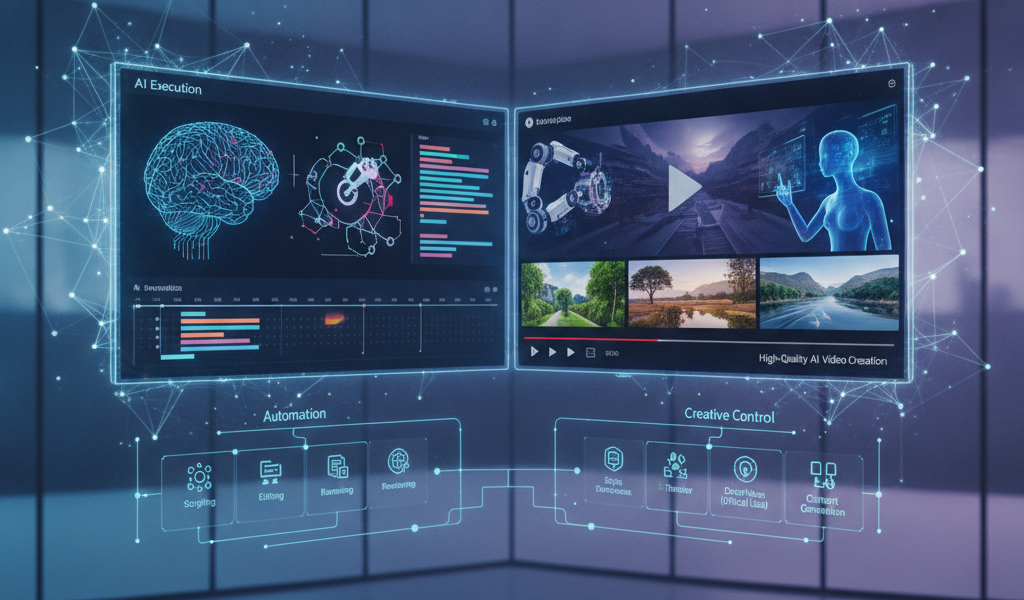
Understanding AI Execution in Video Creation
AI execution in video creation refers to the seamless integration of artificial intelligence tools and techniques to produce high-quality video content effectively and efficiently. This approach allows creators to automate various aspects of video production, from script writing to editing, ultimately saving time and resources while enhancing the final product’s quality. In this article, we will explore practical tips for executing AI-driven video creation, focusing on techniques that yield high-quality results suitable for a variety of applications, including marketing, education, and entertainment.
Choosing the Right AI Tools
When embarking on an AI video creation project, selecting appropriate tools is crucial. Here’s how to approach the selection process:
1. Identify Your Needs
Determine the specific requirements of your video project. Are you looking to create simple animations, product demos, or complex narrative videos? Knowing your needs will help you select the right tools.
2. Evaluate Popular AI Video Tools
- Adobe Premiere Pro with Sensei: Utilises AI for smart editing, colour correction, and audio enhancement.
- Descript: Offers AI-based transcription and video editing, making it ideal for creating captions or revising scripts quickly.
- Animoto: An easy-to-use platform for creating engaging marketing videos using AI-driven templates.
- Pictory: Converts long-form content into video summaries automatically, ideal for social media snippets.
3. Check Reviews and Case Studies
Before investing in a tool, look for user reviews and case studies. This helps gauge effectiveness, ease of use, and applicability in your context, particularly within the Irish market.
Scriptwriting and Storyboarding with AI
Crafting a compelling script is vital for high-quality video content. AI can assist in this area as well:
1. Use AI for Script Generation
AI-powered tools can help generate scripts. For instance, platforms like The Traffic Playbook provide frameworks and templates that can be tailored for your content needs, ensuring you focus on key messages while automating less creative aspects.
2. Storyboarding Assistance
AI tools can also assist in storyboarding your video, providing visual cues or templates to ensure a coherent flow. This step can take around one to two days, depending on the complexity of the narrative.
Production Techniques
Once the script and storyboard are ready, it’s time for production. Consider the following tips:
1. Voiceover with AI
AI voice generators, such as those from Google or Amazon, can create lifelike voiceovers, which can enhance the narration quality. You can expect high-quality results in less than a day with the right software.
2. Automate Video Editing
AI can significantly speed up the editing process. Tools that incorporate AI features can help edit footage based on your storyboard automatically. Expect to spend less than half the time typically allocated for editing; a process that might take three to five days could potentially be reduced to one to two days.
3. Colour Grading and Quality Control
After editing, ensure your video is visually appealing. Leverage AI applications to enhance colour grading and ensure all footage maintains a consistent quality. Tools like Adobe Premiere Pro offer AI-enhanced functions that provide a professional look efficiently.
Optimising AI Video for Promotion
Creating the video is only part of the journey. For your content to be effective, optimisation is key.
1. AI-Powered SEO for Video
Optimise your video for search engines to increase visibility. Use AI tools to analyse keywords and trends related to your niche. Globe Boss, a Dublin-based SEO and digital marketing agency, can assist with this process, ensuring your content reaches the right audience. You can even start with a free SEO audit to gauge your current position.
2. Social Media Distribution
AI analytics can suggest the best times to post your video and help identify the best platforms for distribution based on audience engagement stats. Timing can affect engagement rates by over 30%, so it’s worth utilising these insights.
Measuring Success
After posting your video, it’s important to track its performance:
1. Use AI Analytics Tools
Analytics tools can provide insights regarding views, engagement rates, and audience demographics. Understanding these metrics helps refine your strategy for future projects.
2. A/B Testing with AI
Implement A/B testing using AI tools to understand which aspects of your video resonate more with your audience. This process can take two to three weeks to effectively gather and analyse data.
FAQ
1. How long does it typically take to create an AI-generated video?
The timeline can vary but expect anywhere from one week to several weeks, depending on the complexity of the project and the tools employed.
2. Do I need technical skills to use AI video creation tools?
While some tools are more user-friendly than others, a basic understanding of video editing principles can be beneficial. Many AI tools are designed to be intuitive, requiring minimal technical skills.
3. Can I use AI for live video production?
Yes, AI is increasingly being used in live video applications, enhancing production quality and automating graphics and overlays in real time.
4. Are AI-generated videos more expensive to produce?
AI can actually reduce the cost of video production by streamlining processes. However, costs can vary based on tool subscriptions and project complexity.
Conclusion
Utilising AI in video creation can dramatically enhance the quality and efficiency of your video content. From script to final edits, integrating AI tools helps streamline processes and produce visually appealing, engaging videos. As technology continues to evolve, embracing AI in your video creation strategy is key to staying ahead in digital marketing.
If you have any questions or want to discuss how we can help you with your video marketing strategy, feel free to email info@globeboss.com or call +353 1 868 2345.
