
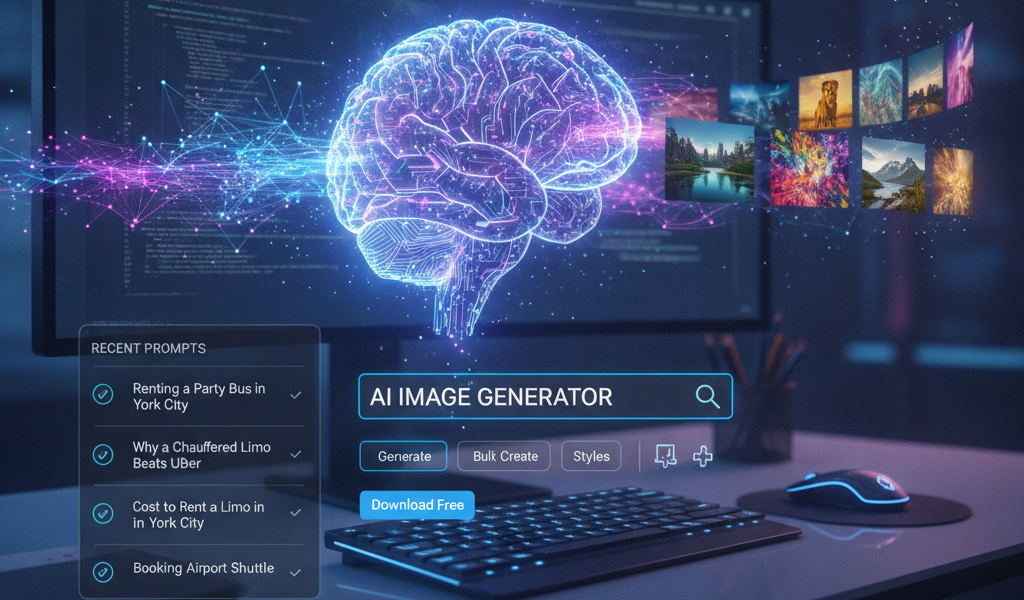
Home/Products/WordPress Plugins/AI Image Generator
Two hundred posts. Not one of them has an image.
Featured images are the last thing anyone does and the first thing that gets skipped. Globe Boss AI Image Generator writes them for you — from the post's own title, excerpt and category — on publish, in bulk, or quietly in the background until the gaps are gone.
Publishing at volume breaks on the image, every time.
Writing scales. Automated posting scales. Finding a picture that suits the article and that you're actually licensed to use does not.
Stock libraries cost time and money
A subscription, a search, three near-misses and a compromise. Twenty minutes per post that produces the same photograph everyone else in your sector is using.
Automated posts arrive bare
Bulk import or auto-publish a feed and you get a hundred posts with no featured image, so archives and related-post blocks render as grey boxes.
Backfilling never happens
Fixing images on old posts is a job nobody schedules. The gap gets bigger every month and the archive keeps looking abandoned.
What it does
Set the prompt once and it applies to everything you publish from then on.
OpenAI or Google Gemini
Pick your provider and test the connection before you commit. Your own API key, stored encrypted, so you pay the provider directly with nothing added by us.
Prompts built from the post
Templates take the post's title, excerpt and category as placeholders, so every image reflects what the article actually says instead of a generic theme.
Style and negative prompts
Set art direction once — cinematic, editorial, soft lighting — and list what to avoid, like text, watermarks, logos and distorted faces. Consistent output across a whole site.
Any post type
Posts and pages by default, plus whatever else your site registers — portfolios, vehicles, videos. Choose exactly which types are eligible.
Bulk generate
A list of everything missing an image, with checkboxes. Select what you want, run it, and watch the column fill in. Existing images are skipped unless you say otherwise.
WP-CLI and developer hooks
Run generation headlessly with wp aitg generate, test the connection from the command line, and reshape the prompt in code with the aitg_prompt filter.
Per-post generation log
Every post records what was generated and when, with a running total across the site — so you can see what the plugin has actually done rather than guessing.
Model and size control
Choose the Gemini model and, on OpenAI, the output dimensions — so you can trade cost against quality rather than accept whatever a plugin decided for you.
Three ways to run it
Manual when you want control, automatic when you want the problem to stop existing.
On demand
Generate an image for a single post while you're editing it, or select a batch from the bulk screen and run them together.
On publish
Every post published without a featured image gets one automatically, generated in the background so nothing waits on the API.
Scheduled backfill
An hourly job fills in missing images a few at a time — five per run by default — so a years-old archive repairs itself without a marathon session.
It's free
No paid tier, no locked features, no upgrade prompts in your admin. You already pay OpenAI or Google for the generation itself — charging you a second time for the thing that sends the request would be cheek. Released under GPL, like WordPress itself.
Questions
Do I need my own API key?
Yes — one from OpenAI or Google AI Studio. It's stored encrypted on your site, and you're billed by the provider at their rates with no markup from us. It also means you control the spend rather than buying credits from a plugin.
What does it cost to generate an image?
That's set by whichever provider you use, and it changes. Check OpenAI's or Google's current image pricing — at typical rates, illustrating a large archive costs a few euro rather than a few hundred. The plugin itself adds nothing to that.
Will it overwrite images I've already chosen?
No. Posts that already have a featured image are skipped by default. There's an overwrite setting if you want to replace them, but it's off unless you turn it on.
Can I keep a consistent look across a site?
Yes — the style field is appended to every prompt as overall art direction, and the negative prompt keeps text, watermarks and logos out. Set both once and the whole archive matches.
Does the scheduled backfill rely on WP-Cron?
It does, and WP-Cron only fires when someone visits the site. On a quiet site, point a real server cron at it from cPanel and the schedule becomes reliable.
Who owns the images?
They're generated against your own API key under your provider's terms, and saved into your media library like any other upload. No stock licence, no attribution, no subscription to keep paying to keep using them.
Running automated publishing on client sites?
Pair it with an auto-posting workflow and the images stop being the bottleneck — posts go out illustrated without anyone opening a stock library.
Related Posts
 Image SEO: Alt Text, File Names and Compression Done Right
 WebP vs AVIF vs JPEG: The Best Image Format for SEO in 2026
 Why WebP Is the Preferred Image Format Over JPEG and PNG
 Image Alt Attribute Optimization | Dublin SEO Accessibility
 Dublin Image SEO: Get Your Pictures Found on Google
 Image SEO Optimization | Alt Text & File Size Services Dublin
 E-commerce SEO Secrets to Drive More Sales in 2024
 How to optimise for visual search in Ireland?