
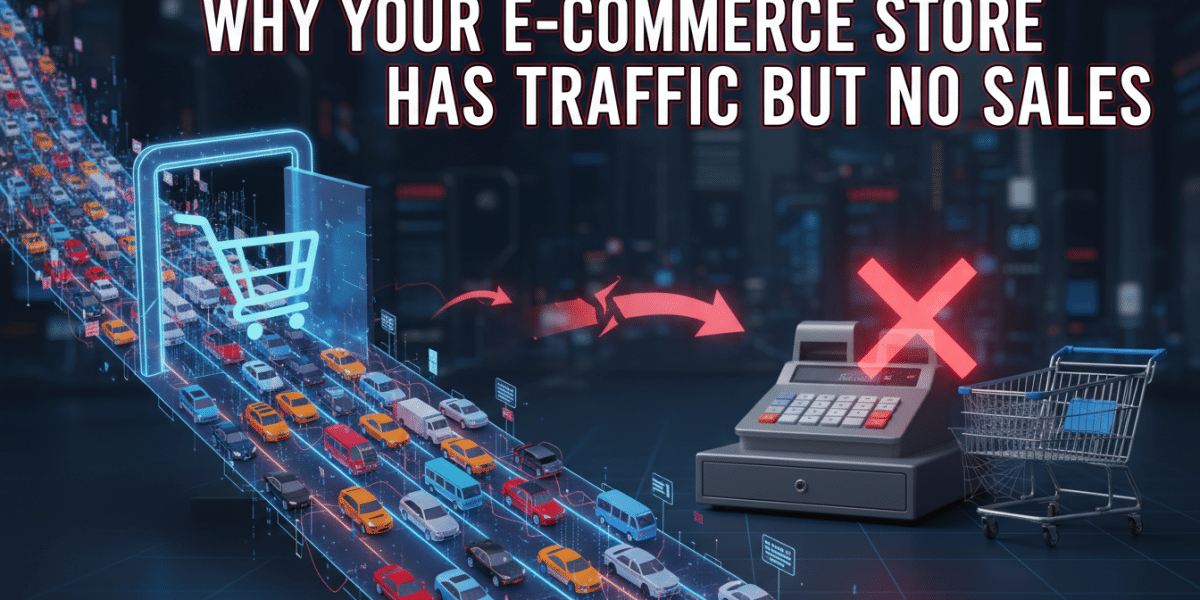
Why Your E-Commerce Store Has Traffic But No Sales: Unlocking the Conversion Code
It’s one of the most frustrating puzzles in the world of online retail: you’ve poured time, money, and effort into getting people to your e-commerce store. Your analytics dashboard proudly flashes impressive traffic numbers – hundreds, perhaps thousands, of visitors every day. Yet, when you check your sales figures, they tell a starkly different story: a trickle, or worse, a complete drought. You’re left scratching your head, wondering, “Why does my e-commerce store have traffic but no sales?”
This isn’t just a hypothetical scenario; it’s a common dilemma faced by countless online businesses. Getting traffic is a significant achievement, proving your marketing efforts are working to some extent. But traffic alone doesn’t pay the bills. The real goal is conversion – turning those visitors into paying customers. If your store is attracting eyeballs but not transactions, it’s a clear signal that something in your conversion funnel is broken. Let’s delve into the core reasons why your e-commerce store has traffic but no sales and, more importantly, what you can do about it.
Is Your Website Driving Them Away? (User Experience & Technical Issues)
Imagine walking into a physical store that’s messy, difficult to navigate, and makes you wait ages just to look at an item. You’d likely leave without buying anything, right? The same principle applies to your online store. A poor website experience is one of the quickest ways to lose a potential customer, no matter how much traffic you’ve managed to pull in.
A Slow Website is a Dying Website
In our instant-gratification world, patience is a rare commodity. If your website takes more than a few seconds to load, especially on mobile, visitors are highly likely to hit the back button. Studies consistently show that even a one-second delay can lead to a significant drop in conversions and page views.
Practical Tips:
- Optimize Images: Compress all product images without sacrificing quality. Tools like TinyPNG or Kraken.io can help.
- Use a Content Delivery Network (CDN): A CDN stores your website’s static files on servers around the globe, delivering content faster to users based on their geographic location.
- Leverage Browser Caching: This stores parts of your website on a visitor’s computer after their first visit, making subsequent visits much faster.
- Choose a Fast Theme/Platform: Some e-commerce themes and platforms are inherently faster and more optimised than others. Research thoroughly.
Confusing Navigation and Cluttered Design
Once your site loads, visitors need to find what they’re looking for effortlessly. A convoluted menu, unclear categories, or an overwhelming amount of information on a single page can cause immediate frustration. People don’t want to play detective; they want an intuitive, seamless journey from browsing to checkout.
Practical Tips:
- Simplify Your Menu: Use clear, concise category names. Don’t overwhelm users with too many options in the main navigation.
- Implement a Powerful Search Bar: Make sure it’s prominent and provides accurate, relevant results, especially for stores with large inventories.
- Clear Calls to Action (CTAs): Buttons like “Add to Cart,” “Shop Now,” or “Learn More” should stand out visually and be unambiguous.
- Declutter Product Pages: Focus on essential information. Use white space effectively to draw attention to key elements like product images, price, and the “Add to Cart” button.
Mobile Experience Matters More Than Ever
More than half of all internet traffic now comes from mobile devices. If your store isn’t perfectly optimised for smartphones and tablets, you’re alienating a massive segment of your potential customer base. A non-responsive design that requires pinching and zooming is a conversion killer.
Practical Tips:
- Test on Various Devices: Use Google’s Mobile-Friendly Test or your browser’s developer tools to see how your site performs on different screen sizes.
- Prioritize Mobile-First Design: Think about the mobile experience first, then scale up for desktop. Ensure buttons are tappable and text is readable without zooming.
- Simplify Forms for Mobile: Auto-fill options and fewer fields make checkout much smoother on a small screen.
Are Your Products Actually Appealing (or Just Available)?
Even if your website is a marvel of design and speed, if your products themselves aren’t presented compellingly, visitors will simply browse and leave. This is a critical factor when addressing why your e-commerce store has traffic but no sales.
Poor Product Descriptions and Photos
Online shoppers can’t touch, feel, or try on your products. They rely entirely on your descriptions and images to make a decision. Vague descriptions, generic bullet points, or low-quality, uninspiring photos are huge deterrents.
Practical Tips:
- High-Quality, Multiple-Angle Photos: Invest in professional photography. Show products from various angles, in different settings (lifestyle shots), and close-ups of details.
- Product Videos: A short video demonstrating the product in use can be incredibly powerful for engagement and conversion.
- Benefit-Oriented Descriptions: Instead of just listing features, explain how the product solves a problem or improves the customer’s life. Use storytelling.
- Include Key Details: Don’t forget dimensions, materials, care instructions, and any relevant specifications. Be thorough!
Uncompetitive Pricing or Value Proposition
While “cheap” isn’t always the answer, if your prices are significantly higher than competitors without a clear justification, visitors will shop elsewhere. Conversely, prices that are too low might raise suspicion about quality. Beyond price, your overall value proposition needs to be clear. What makes your product special?
Practical Tips:
- Competitor Analysis: Regularly research your competitors’ pricing, product features, and unique selling points (USPs).
- Emphasize Your USP: Do you offer superior quality, unique design, exceptional customer service, or an eco-friendly approach? Highlight what sets you apart.
- Bundle Offers and Discounts: Strategically use promotions, bundles, or free shipping (if feasible) to enhance perceived value.
- Transparent Pricing: Avoid hidden fees. Show all costs (product, shipping, tax) upfront or as early as possible in the checkout process.
Limited Product Selection or Inventory Issues
If visitors are coming for a specific type of product and you only offer a few options, or worse, if items are frequently out of stock, they’ll leave disappointed. A shallow inventory can signal a less established or reliable store.
Practical Tips:
- Analyze Demand: Use analytics to identify popular products and categories. Consider expanding related offerings.
- Clear Stock Status: Always display whether an item is in stock. If it’s out, offer a “notify me when available” option.
- Upsell and Cross-sell: Suggest complementary products or higher-tier versions to visitors, increasing average order value and offering more choice.
Building Trust and Eliminating Buyer Hesitation
In the anonymous world of online shopping, trust is paramount. Without the ability to physically interact with you or your products, customers rely heavily on signals of credibility. Lack of trust is a major culprit why your e-commerce store has traffic but no sales.
Lack of Social Proof and Reviews
People inherently trust other people more than they trust a brand’s marketing messages. If your products have no reviews, testimonials, or user-generated content, potential buyers will be hesitant. It feels like buying from an unknown entity.
Practical Tips:
- Actively Solicit Reviews: Send follow-up emails after a purchase asking for feedback. Offer a small incentive (e.g., a discount on their next order).
- Display Reviews Prominently: Feature star ratings, written reviews, and even photo/video reviews on product pages and your homepage.
- Showcase User-Generated Content (UGC): Encourage customers to share photos of themselves using your products on social media and feature these on your site.
- Highlight Testimonials: Positive feedback from satisfied customers can build immense credibility.
Unclear Return Policies and Shipping Information
Uncertainty about what happens if a product doesn’t fit, isn’t as expected, or when it will arrive is a significant source of anxiety for online shoppers. If your policies are vague, hidden, or overly restrictive, it will deter purchases.
Practical Tips:
- Clear, Easy-to-Find Policies: Create dedicated, user-friendly pages for your shipping, return, and privacy policies. Link to them prominently in your footer and product pages.
- Transparent Shipping Costs and Times: Show estimated delivery dates and shipping costs as early as possible in the purchase process. Offer different shipping options if possible.
- Customer-Friendly Returns: Consider offering free returns or a generous return window to reduce buyer apprehension.
Security Concerns and Payment Options
Customers need to feel safe entering their personal and payment information on your site. A lack of visible security features or limited payment options can raise red flags.
Practical Tips:
- SSL Certificate: Ensure your site uses HTTPS. Display security badges (e.g., McAfee Secure, Norton Secured) if you use them.
- Offer Diverse Payment Gateways: Support popular options like PayPal, Stripe, Apple Pay, Google Pay, and major credit cards. Consider “buy now, pay later” options like Afterpay or Klarna if relevant to your audience.
- Guest Checkout: Allow customers to make a purchase without creating an account. While accounts can encourage repeat business, forcing them upon first-time visitors creates friction.
Are You Talking to the Right People? (Traffic Quality & Marketing Alignment)
Sometimes, the problem isn’t your store itself, but the type of traffic you’re attracting. This is a common oversight when troubleshooting why your e-commerce store has traffic but no sales.
Mismatched Traffic and Product Fit
You might be getting thousands of visitors, but if they’re not genuinely interested in what you’re selling, they won’t convert. For example, if you sell high-end luxury goods but your ads are targeting budget-conscious shoppers, your traffic will be high, but your sales will be low.
Practical Tips:
- Refine Your Ad Targeting: Review your audience demographics, interests, and behaviors for paid ads (Google Ads, Facebook Ads).
- Keyword Research: Ensure your SEO and PPC keywords accurately reflect your products and the intent of potential buyers. Avoid broad, generic terms if you have a niche product.
- Analyze Traffic Sources: Use Google Analytics to see which sources are bringing in traffic but not converting. You might need to adjust your strategy for those channels.
Weak Calls to Action (CTAs)
Even if someone is interested, if they don’t know what to do next, they might just leave. Your CTAs need to be clear, compelling, and strategically placed.
Practical Tips:
- Action-Oriented Language: Use strong verbs like “Shop Now,” “Add to Cart,” “Discover,” “Get Yours.”
- Visibility: Make sure CTAs stand out with contrasting colors and appropriate sizing.
- A/B Test: Experiment with different CTA texts, colors, and placements to see what performs best.
Abandoned Carts and Conversion Funnel Leaks
Many visitors will add items to their cart only to abandon them before completing the purchase. This is a massive missed opportunity and a key area to investigate when you have traffic but no sales.
Practical Tips:
- Streamline Checkout: Reduce the number of steps and form fields required.
- Offer Guest Checkout: As mentioned, don’t force account creation.
- Abandoned Cart Email Sequences: Implement automated emails to remind users about items left in their cart, possibly offering a small incentive to complete the purchase.
- Exit-Intent Pop-ups: These can capture users who are about to leave by offering a last-minute discount or special offer.
Post-Purchase Experience and Follow-Up (Often Overlooked)
While not directly related to getting the first sale, a poor post-purchase experience can prevent repeat business and referrals, indirectly impacting your overall sales and growth.
No Follow-Up or Poor Customer Service
A sale isn’t the end of the customer journey; it’s the beginning of a relationship. If customers feel abandoned after purchase or struggle to get support, they won’t return and are unlikely to recommend you.
Practical Tips:
- Order Confirmation and Tracking: Send clear confirmation emails and provide tracking information so customers know their order status.
- Proactive Communication: Inform customers of any shipping delays or issues.
- Easy Contact Options: Display your customer service email, phone number, or live chat prominently.
- Post-Purchase Feedback: Send an email a week or two after delivery to check in and ask for feedback or a review.
Conclusion: The Journey from Traffic to Transactions
Seeing your e-commerce store accumulate traffic but no sales can feel disheartening, but it’s a solvable problem, not a death sentence. It simply means you’ve mastered the art of attraction but need to hone your conversion strategy.
The journey from a curious visitor to a loyal customer is paved with good user experience, compelling product presentation, unwavering trust, and targeted marketing. By systematically addressing issues related to your website’s performance and design, the quality and presentation of your products, the trust signals you provide, and the relevance of your traffic, you can start turning those high visitor numbers into healthy sales figures.
Remember, optimisation is an ongoing process. Continuously analyse your data, test new approaches, and always put your customer at the heart of every decision. With a focused effort on improving these critical areas, you won’t just get traffic; you’ll get conversions, and ultimately, a thriving e-commerce business.
Related Posts
 E-commerce SEO Ireland Your 2025 Strategy for Online Sales
 E-commerce SEO Secrets to Drive More Sales in 2024
 How to Optimize Your Shopify Store for Maximum Traffic
 Woo commerce SEO the definitive guide for your online store
 Content Marketing for E-Commerce
 E-Commerce Conversion Strategies
 Revolution of E-commerce Through AI Search Evolution
 Agentic Commerce Hype Versus Reality: Irish E-Commerce Brand Guide