
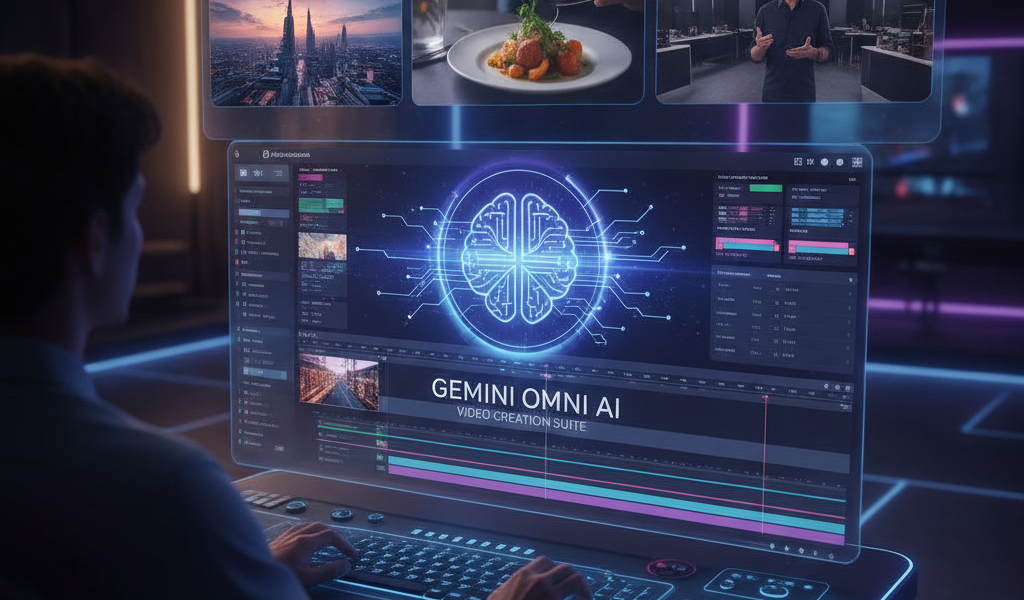
Introduction to Gemini Omni AI
Creating professional-quality videos has never been easier thanks to Gemini Omni AI. This powerful tool allows users to produce stunning videos while minimising production time and costs. By harnessing the capabilities of artificial intelligence, Gemini Omni AI significantly streamlines the video creation process, making it accessible and efficient for businesses and content creators alike.
Understanding the Basic Features of Gemini Omni AI
Gemini Omni AI offers a range of features that cater to diverse video creation needs. These include:
- Automated Editing: The AI can automatically cut and splice video footage based on the script provided.
- Template Options: Users can choose from various pre-designed templates that suit different types of content, from marketing ads to educational videos.
- Voiceover Generation: Create voiceovers using AI voice synthesis that mimics human emotions and intonations.
- Text-to-Video Capabilities: Transform written content into engaging video format effortlessly.
Step-by-Step Guide to Creating Videos with Gemini Omni AI
1. Define Your Purpose
Before diving into video creation, it’s essential to have a clear purpose. Identify whether the video is for marketing, education, or entertainment. This clarity will guide the entire process and ensure that your content aligns with your objectives.
2. Choose the Right Template
With Gemini Omni AI, selecting the right template can save you a lot of time. The platform offers templates tailored to different video types. For instance, a promotional template might include placeholders for logos, taglines, and close-up shots of products. Spend some time browsing through these options to find one that resonates with your video’s purpose.
3. Script Your Video
Your script serves as the backbone of your video. Write clearly and concisely, keeping in mind the duration of the video. A typical video should range between 60 seconds and 2 minutes for optimal viewer engagement. For instance, if you’re using the video for social media, aim for shorter clips, around 60 seconds, to hold attention. Consider writing 100 to 300 words for succinctness.
4. Upload Footage and Assets
Once your template is selected and your script is ready, it’s time to upload your footage and any necessary assets, such as logos or images. Gemini Omni AI supports various file formats, making it easier to integrate multimedia elements into your video.
5. Use Automated Editing Features
After uploading, utilise the automated editing features. The AI analyses your script and determines the best cuts and transitions. Monitor this process and make manual adjustments if needed, ensuring that the video aligns with your vision.
6. Add Voiceover and Text
If your video requires narration, leverage the voiceover generation feature. Choose a voice that suits your brand’s tone—whether friendly, professional, or authoritative. Additionally, add subtitles or annotated text for clarity, especially if your target audience is in a sound-off environment.
7. Review and Adjust
Once the editing stage is complete, review the video critically. This may involve watching it multiple times. Look for any areas that could benefit from further enhancement, such as pacing or visual effects. You might find that some transitions appear awkward or some scenes linger too long, requiring adjustments.
8. Export and Distribute
After making the final adjustments, export your video in the preferred format. Gemini Omni AI allows you to choose export settings optimised for platforms like YouTube, Instagram, or Facebook. Once exported, plan a distribution strategy that may include social media marketing or embedding it on your website, and consider supplementing it with complimentary services like our The Traffic Playbook to maximise reach.
Real Numbers and Timelines
Producing a professional-quality video using Gemini Omni AI can take as little as two hours or more depending on the complexity of the video. Simple videos, such as social media clips, might be completed quickly, whereas detailed tutorial videos may take longer. Generally, you can expect:
- Concept & planning: 1 hour
- Scriptwriting: 1-2 hours
- Footage preparation and upload: 1 hour
- Editing with AI: 2-3 hours
- Review & adjustments: 1-2 hours
- Total: 6-9 hours
FAQ
What types of videos can I create with Gemini Omni AI?
You can create a variety of videos including promotional ads, tutorial videos, social media snippets, and educational content. The templates and editing features cater to a wide range of styles.
How much does it cost to use Gemini Omni AI?
The pricing for using Gemini Omni AI may vary based on subscription plans and features available. Specific pricing information is best obtained directly from the Gemini website or your subscription portal.
Do I need prior video editing experience to use Gemini Omni AI?
No, one of the major advantages of Gemini Omni AI is its user-friendly interface, designed to cater to beginners. While some basic understanding of video concepts can be beneficial, the automated features greatly simplify the process.
Can I produce videos in multiple languages using Gemini Omni AI?
Yes, Gemini Omni AI supports multiple languages for voiceovers and subtitles, allowing you to create content tailored for diverse audiences.
How do I ensure my video reaches its target audience?
In addition to creating quality content, use targeted marketing strategies to share your video. Consider utilising SEO techniques and digital marketing plans available from agencies like Globe Boss for greater visibility. Additionally, you can conduct a free SEO audit to optimise your video’s online presence.
Conclusion
In conclusion, Gemini Omni AI revolutionises the way you create professional-quality videos. With its user-friendly features and powerful capabilities, you can churn out impressive content that resonates with your audience in a fraction of the time. Harness this tool and ensure your video marketing strategy is cutting-edge and effective.
For more information, reach out via email at info@globeboss.com or call +353 1 868 2345.
