
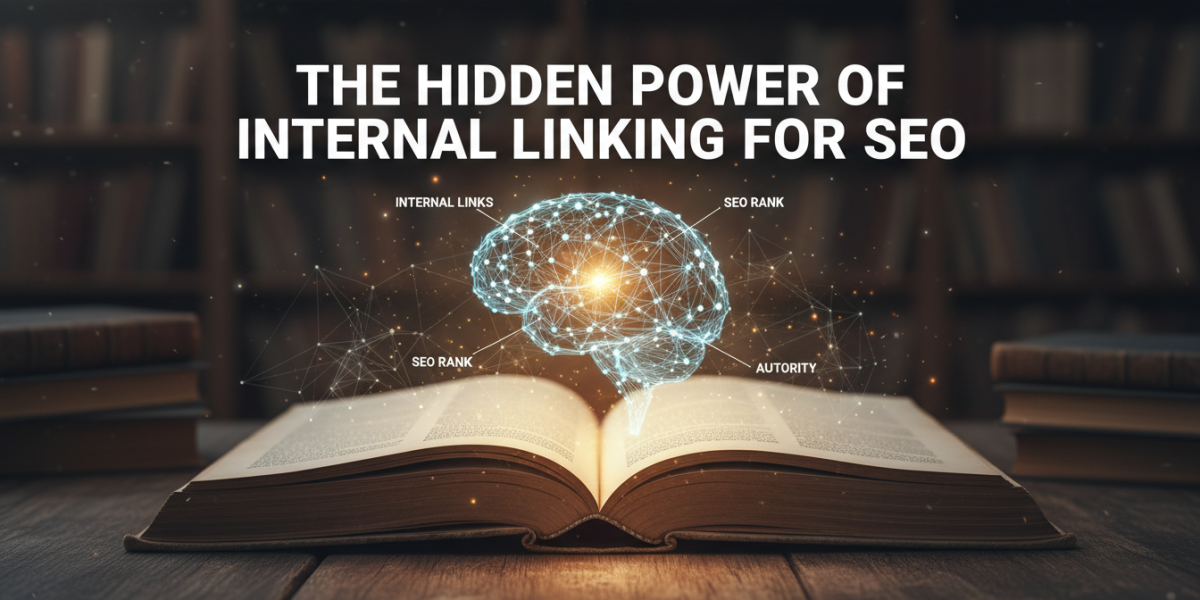
Most website owners spend a lot of time chasing backlinks from other sites. It makes sense — external links are a well-known ranking signal. But there’s a strategy sitting right under your nose that often gets overlooked: internal linking. Done well, internal linking for SEO can quietly transform how search engines understand your site and how visitors move through it.
This isn’t just a technicality for developers to worry about. It’s a content strategy, a UX decision, and a ranking tool rolled into one. And the best part? You have complete control over it.
What Is Internal Linking and Why Does It Matter for SEO?
An internal link is simply a hyperlink that connects one page on your website to another page on the same website. It sounds basic, but the implications are significant.
Search engines like Google use links to discover content. When Googlebot crawls your site, it follows links from page to page. If a page has no internal links pointing to it, it may never get found — or crawled as frequently as it should be. These are sometimes called "orphan pages," and they’re more common than most site owners realise.
Beyond discovery, internal links pass something called "link equity" (sometimes referred to as "PageRank" in older SEO literature). This is essentially a signal of authority and importance. When a high-traffic, well-ranking page on your site links to a newer or lower-visibility page, it shares some of that authority. It’s not a perfect transfer, but the effect is measurable over time.
The User Experience Connection
Google has made it increasingly clear that user behaviour influences rankings. Pages with higher dwell time, lower bounce rates, and more page views per session tend to perform better.
Internal links directly affect all three of these. When a visitor reads your blog post about, say, keyword research, and sees a natural link to your post about on-page SEO, there’s a good chance they’ll click it. That keeps them on your site longer, signals engagement to Google, and builds trust with the reader.
It’s a loop: better internal linking leads to better UX, which signals quality to search engines, which improves rankings, which brings in more visitors to link from.
How Search Engines Use Your Internal Links
To understand why internal linking for SEO matters so much, it helps to think like a search engine.
Google doesn’t read your website the way a human does. It follows links, reads code, and builds a mental map of your site’s structure and content relationships. Internal links are part of the language you use to communicate that map.
Crawl Depth and Site Architecture
Crawl depth refers to how many clicks it takes to reach a page from your homepage. Google’s John Mueller has suggested that pages buried more than three or four clicks deep from the homepage may be crawled less frequently. That means they’re slower to get indexed and slower to rank.
A smart internal linking strategy flattens your site architecture. By linking to important pages from multiple locations — your homepage, your blog posts, your service pages — you reduce crawl depth and ensure those pages get regular attention from Googlebot.
Anchor Text as a Relevance Signal
The anchor text you use in an internal link tells Google what the linked page is about. If you link to your SEO services page using the anchor text "click here," you’re missing an opportunity. If you link to it using "SEO services for small businesses," you’re reinforcing what that page covers.
This doesn’t mean stuffing every link with exact-match keywords. Google’s algorithms are smart enough to understand context, and over-optimised anchor text can actually look manipulative. The goal is natural, descriptive language that genuinely reflects the content being linked to.
Building an Effective Internal Linking Strategy
Knowing internal links matter is one thing. Knowing how to build a coherent strategy is another. Here’s a practical approach that works for most websites.
Start with a content audit. Before you can link pages together meaningfully, you need to know what you have. List all your key pages — service pages, cornerstone blog posts, case studies, product pages — and identify which ones you most want to rank.
Identify your "pillar" pages. Pillar pages are your most important, comprehensive pieces of content. They typically target broader, higher-volume keywords. Everything else on your site should have a pathway back to these pages through internal links.
Map your content clusters. Once you know your pillars, group your supporting content around them. A page about "SEO for e-commerce" might be a pillar. Supporting content might include posts about product page optimisation, category page SEO, and structured data for online stores. Each of those supporting posts should link back to the pillar — and the pillar should link out to them.
Add links contextually, not randomly. The best internal links appear naturally within body content, where they genuinely add value. A reader encountering a relevant link mid-article is far more likely to click it than one sitting in a generic sidebar widget.
Fixing Orphan Pages
Run a crawl of your website using a tool like Screaming Frog, Ahrefs Site Audit, or Semrush. Look for pages that have zero or very few internal links pointing to them.
Once you’ve identified them, find two or three relevant pages on your site and add links to the orphaned content. Even a single well-placed internal link from a high-traffic page can meaningfully improve how often an orphan page gets crawled.
Common Internal Linking Mistakes to Avoid
Even experienced SEOs make errors here. These are the most damaging ones.
Over-linking a single page. Linking to the same page 20 times in one article doesn’t help. Google discounts repetitive links, and it makes your content feel forced. Once or twice per relevant page is usually enough.
Using generic anchor text. "Read more," "click here," and "learn more" tell search engines almost nothing. They’re not harmful in small quantities, but they’re wasted opportunities if used consistently.
Ignoring navigation and footer links. Header navigation and footer links are technically internal links too. They typically carry slightly less weight than contextual in-body links, but they matter for site architecture and crawlability. Make sure your most important pages appear in your main navigation.
Linking only to newer content. It’s tempting to use internal links to boost your newest pages. But don’t neglect your older, well-ranking content — linking from those pages to newer ones passes the most value.
Internal Linking for SEO Across Different Content Types
The internal linking approach varies slightly depending on what kind of website you’re running.
For blogs and content-heavy sites, the pillar-cluster model is ideal. Use cornerstone articles as hubs and link all related posts back to them. This structure mirrors how Google’s topic authority model works — it signals depth and expertise on a given subject.
For e-commerce sites, internal linking between product pages, category pages, and buying guides is essential. A well-linked category page can rank for broad terms, while individual product pages rank for specific queries. Cross-linking related products ("customers also viewed") isn’t just a UX feature — it distributes authority across your catalogue.
For service-based businesses, link from case studies and blog posts back to the relevant service pages. A post about "how to improve your local search rankings" should link to your local SEO services page. It’s a natural connection that benefits both the reader and your rankings.
Measuring the Impact of Your Internal Linking Efforts
One reason internal linking gets undervalued is that its effects aren’t always immediately visible. But they are trackable.
After implementing an improved internal linking structure, watch for the following signals over a 4–8 week period:
- Crawl coverage improvements — Use Google Search Console to see if previously under-indexed pages start appearing in the coverage report
- Ranking movement on linked-to pages — Check whether pages receiving new internal links show ranking improvements for their target keywords
- Pages per session and session duration — In Google Analytics, look for improvements in how many pages visitors are viewing per visit
- Bounce rate changes — A lower bounce rate on key landing pages often follows better contextual linking
None of these changes will happen overnight. Internal linking is a cumulative strategy. But the compound effect over several months is real and well-documented in SEO case studies across industries.
Frequently Asked Questions About Internal Linking for SEO
What is the ideal number of internal links per page?
There’s no hard rule, but a good guideline for most blog posts or articles is between 3 and 10 internal links, depending on length. What matters more than volume is relevance — every link should serve the reader’s journey, not just your SEO checklist.
How is internal linking different from external linking?
Internal links connect pages within your own domain, while external links point to other websites. Both matter for SEO, but internal linking is something you have full control over and can implement immediately without needing anyone else’s cooperation.
Is it worth going back and updating old content with internal links?
Absolutely. Revisiting older posts and adding links to newer, relevant content is one of the highest-ROI activities in content SEO. It improves crawlability, passes authority to newer pages, and often requires only a few minutes per article.
Can too many internal links hurt my SEO?
Excessive internal linking — particularly if it looks spammy or unnatural — can raise flags with Google. A page that links to dozens of other pages indiscriminately dilutes the value of each individual link. Focus on quality and relevance rather than volume.
Does the position of an internal link on the page matter?
Yes, it does. Links appearing higher up in the main body content tend to carry more weight than those in footers or sidebars. Contextual links embedded naturally in paragraph text are generally considered the most valuable.
Conclusion
Internal linking for SEO is one of those strategies that rewards patience and consistency. It won’t deliver overnight results, but it builds something durable — a well-connected site that search engines can navigate easily and visitors genuinely enjoy exploring.
The most effective approach combines smart site architecture, thoughtful anchor text, regular content audits, and a genuine focus on helping readers find what they need. When all of those elements work together, internal linking stops being a technical chore and becomes a real competitive advantage.
If you’re running a site that hasn’t had a proper internal linking review, now is a good time to start. The opportunity cost of leaving it undone is real — and so are the gains when you get it right.
Ready to strengthen your SEO strategy? If you’d like expert guidance on internal linking, site structure, or any other aspect of SEO, our team would be happy to help. Get in touch — email us at moc.ssobebolg@ofni or call +353 1 868 2345 and we’ll talk through what’s possible for your site.
Dublin's ROI-Driven Digital Marketing Agency Home
Related Posts
 Dublin SEO: Expert Internal Linking for Site Authority
 Are internal links a ranking factor
 Internal Linking Strategy by Globe Boss | Dublin SEO Experts
 Effective SE0 internal linking strategies for improved website structure
 Master Google Keyword Planner Research for Better SEO
 Internal Linking for SEO How to Distribute Authority Across Your Site
 Homepage design linking strategy for publishers SEO case study
 Effective
SEO internal linking strategies for improved website structure
Effective
SEO internal linking strategies for improved website structure