

Developers often inspect pages containing unpublished designs, client work or internal tools. Globe Boss Web Dev Troubleshooter is designed to run its page checks locally in the browser.
The extension captures JavaScript errors, promise rejections and console warnings while you browse; records failed network requests such as 404s, CORS errors, timeouts and slow requests; and flags broken images, scripts and stylesheets. Its one-click audit checks selected SEO, accessibility and security details, including missing titles, descriptions and H1s, alt text, form labels and mixed content. Findings include plain-English explanations and relevant documentation links. The free edition includes core error capture, basic audits, copy and Markdown export.
Putting it into practice
The extension privacy policy says captured information stays in browser memory for the open tab and is removed when the tab closes or you clear it. Review that policy and your organisation rules before using any browser tool on sensitive work. For routine debugging, keep findings in your workflow through copy or Markdown export, and verify each result before acting.
Explore the Globe Boss — Web Dev Troubleshooter product page or visit its official listing for current details.
For help choosing the right tools, email moc.ssobebolg@ofni or call +353 1 868 2345.
Related Posts
 Ensuring gdpr
compliance through a compliant cookie policy
Ensuring gdpr
compliance through a compliant cookie policy Find Website Errors Without Digging Through DevTools
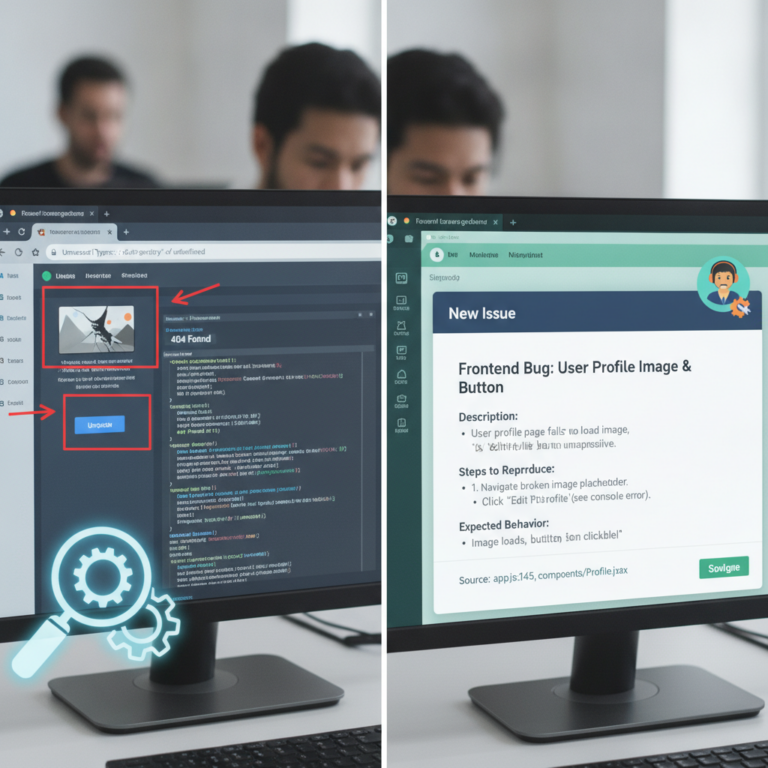 Turn Browser Findings into Clear Developer Tickets
 Data Privacy Compliance for Marketers
 Is Your Irish Business Website Inside Google AI Retrieval Pipeline? Check Now
 Proven Tactics to Fix Your Irish Business Traffic Problem
 Multi-Location SEO: One Website, Many Irish Branches
 Globe Boss: Website Design and SEO Dublin