
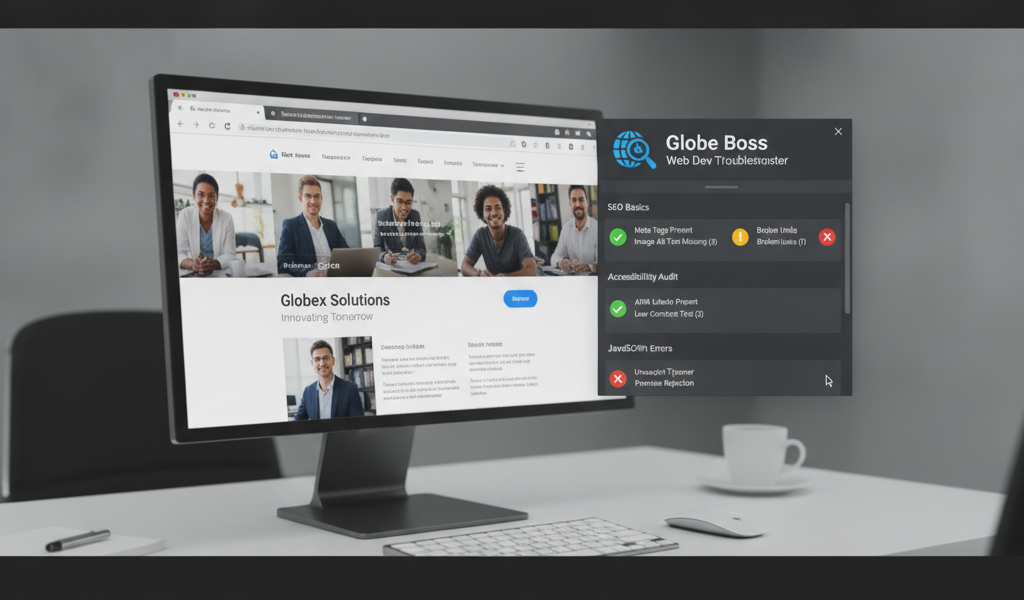
Reviewing a webpage for search and accessibility basics often means switching between tools. Globe Boss Web Dev Troubleshooter gives Chrome users a straightforward way to check a live page and see findings together.
The extension captures JavaScript errors, promise rejections and console warnings while you browse; records failed network requests such as 404s, CORS errors, timeouts and slow requests; and flags broken images, scripts and stylesheets. Its one-click audit checks selected SEO, accessibility and security details, including missing titles, descriptions and H1s, alt text, form labels and mixed content. Findings include plain-English explanations and relevant documentation links. The free edition includes core error capture, basic audits, copy and Markdown export.
Putting it into practice
Check a key service, product or campaign page and review each result in context. A missing heading may be an editorial fix; an accessibility concern can call for a wider review of shared templates. Add the scan to a pre-launch checklist, assign actionable findings and revisit the page after updates. Use it as a first review, not a substitute for a complete SEO or accessibility assessment.
Explore the Globe Boss — Web Dev Troubleshooter product page or visit its official listing for current details.
For help choosing the right tools, email moc.ssobebolg@ofni or call +353 1 868 2345.
Related Posts
 The easiest way to make your website accessible to all with accessible
 SEOquake: Auditing Pages Efficiently in Under Three Minutes
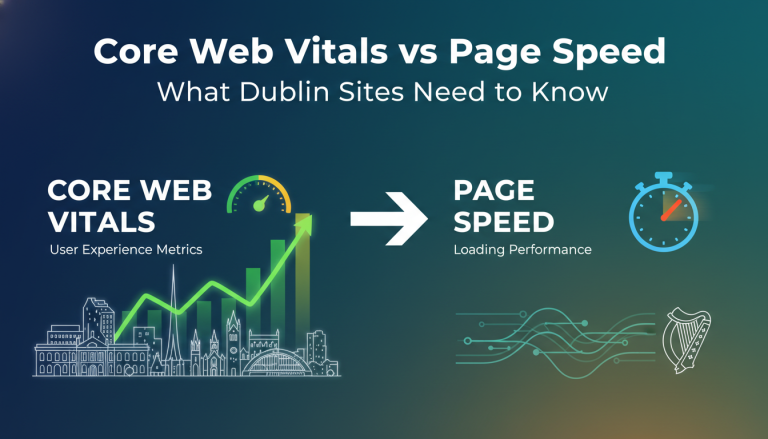 Core Web Vitals vs Page Speed: What Dublin Sites Need to Know
 How to Fix Core Web Vitals Without Being a Developer
 On-Page SEO Audit & Optimization | Globe Boss Dublin Experts
 Core Web Vitals Optimization
 Why is web accessibility so important
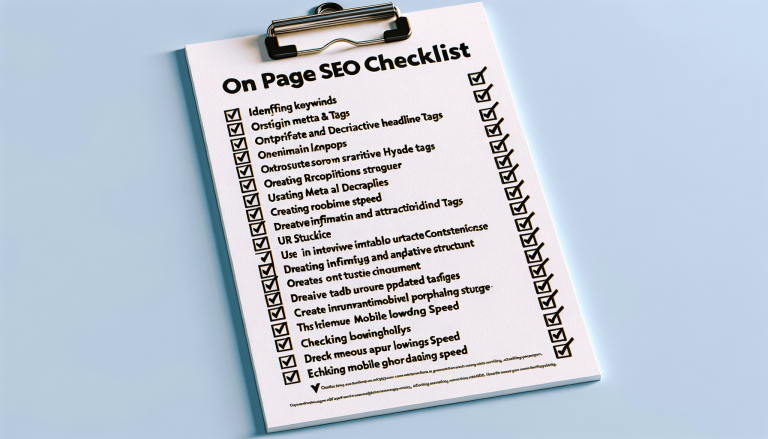 On page SEO checklist