
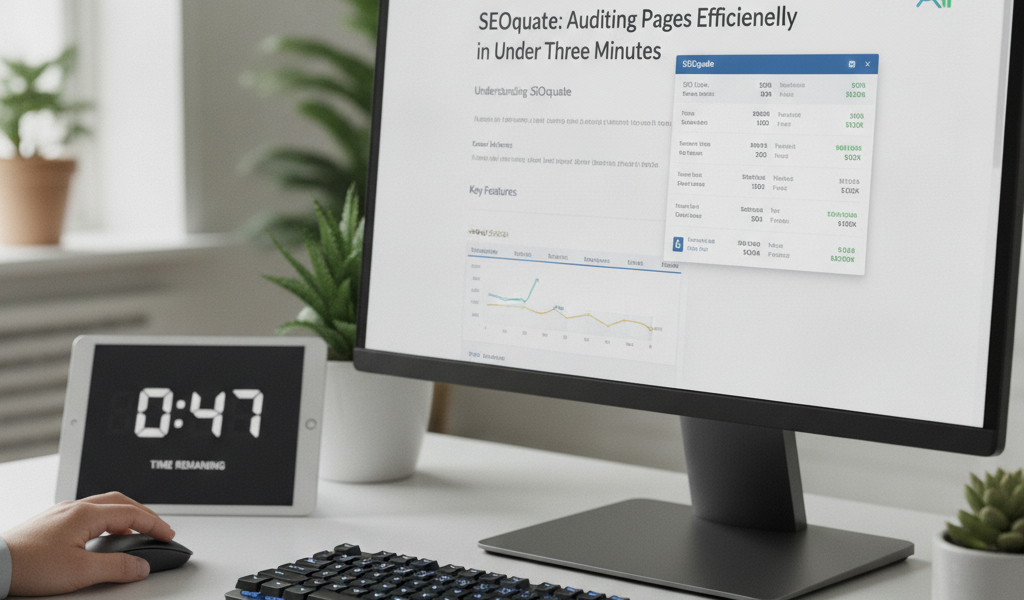
Understanding SEOquake
SEOquake is a powerful browser extension designed to provide comprehensive SEO audits for any webpage in under three minutes. By employing this tool, you can efficiently assess key performance indicators and discover areas for improvement in your website’s SEO and overall visibility.
Quick Installation and Setup
To start using SEOquake, simply visit your browser’s extensions store (available for both Chrome and Firefox) and search for ‘SEOquake’. Click on the ‘Add to Browser’ button and follow the installation prompts. Within a few minutes, you can have the extension up and running.
Creating a Profile
After installation, you’ll need to create a profile. This allows SEOquake to track your activity and store personalised settings. The setup process is straightforward and takes around two minutes to complete.
Performing an SEO Audit
Once you have SEOquake installed and your profile set up, you can carry out an SEO audit in just a few clicks. Here’s how:
Step 1: Navigate to the Desired Page
Open the webpage you want to audit, whether it’s your own site or a competitor’s. Ensure you are logged into your SEOquake account for a more personalised experience.
Step 2: Access the SEOquake Toolbar
The SEOquake toolbar appears at the top of your browser. Click on the icon to reveal the audit features. You will see several metrics including Google Index, Alexa Rank, and visibility score immediately.
Step 3: Key Metrics Overview
- Page Title: Check the length and relevant keywords.
- Meta Description: Ensure it is optimised for click-through rates.
- Word Count: A healthy count helps SEO, typically above 300 words.
- Heading Tags: Review the use of H1, H2, and H3 headings to enhance readability.
- Keyword Density: Ensure relevant keywords are used without overstuffing.
On-Page SEO Elements to Monitor
During the audit process, you can pay special attention to several on-page SEO elements:
Internal and External Links
SEOquake lists all internal and external links on the page. Ideally, every internal link should serve a purpose and provide additional value to the reader. Ensure that external links lead to reputable sites.
Image Alt Text
Images should have descriptive alt text for improved accessibility and SEO. SEOquake highlights any images missing this attribute.
Mobile Responsiveness
While SEOquake does not evaluate mobile responsiveness explicitly, you should always check how the page performs on mobile devices. A Google study indicates that 53% of mobile users abandon sites that take longer than three seconds to load.
Analysing Competitor Data
One major advantage of SEOquake is its ability to provide insight into your competitors. By using the same method described, you can analyse a competitor’s webpage, identifying their successful strategies. Compare critical metrics like their backlink profiles and keyword usage, then adapt your content strategy accordingly.
Time Efficiency
The full audit process only takes about two to three minutes, making it an efficient choice for business owners and SEO practitioners alike. This is vital for agencies like Globe Boss in Dublin, where client demands for quick results often push for time-efficient solutions. You can fit SEO audits seamlessly into your daily routine without sacrificing quality.
Creating an Action Plan Post-Audit
After completing the audit, it’s critical to create an action plan based on your findings. Here’s how:
Step 1: Prioritise Issues
Rank the issues based on their impact on your SEO performance. Focus initially on high-priority areas such as missing meta descriptions or poor mobile performance.
Step 2: Set SMART Goals
Make sure your goals are Specific, Measurable, Achievable, Relevant, and Time-bound. For instance, aim to increase your click-through rates by 10% over the next month by optimising your meta descriptions.
Step 3: Implement Changes
Coordinate with your development team to implement necessary fixes. Document each change to track progress and impact.
Step 4: Review and Monitor
Plan to review the page’s performance after implementing changes. Tools like Google Analytics can help monitor improvements in traffic and engagement.
FAQs
How reliable is SEOquake?
SEOquake is widely regarded as a reliable tool within the SEO community, providing valuable insights based on robust data.
Can SEOquake be used for free?
Yes, SEOquake is a free browser extension, making it accessible for everyone interested in improving their website’s SEO.
What should I do with the data from SEOquake?
Use the data to identify weaknesses, improve SEO strategies, and create an actionable plan for enhancing your website’s performance.
Is SEOquake suitable for beginners?
Absolutely! Its user-friendly interface makes it ideal for both beginners and advanced users looking for quick analysis.
How often should I audit my website?
Regular audits, ideally monthly or quarterly, are recommended to keep up with changes in SEO best practices and search engine algorithms.
Conclusion
In summary, SEOquake offers a practical method for auditing pages efficiently, making it a standout tool for digital marketers and business owners alike. By following the steps outlined above, you can elevate your website’s SEO in under three minutes, allowing you to focus on further growth strategies. For a more in-depth analysis, consider taking advantage of our free SEO audit or explore The Traffic Playbook for comprehensive strategies.
For further assistance, feel free to email moc.ssobebolg@ofni or call +353 1 868 2345.
Related Posts
 A Practical SEO and Accessibility Check for Any Live Page
 How to Audit Your Website for SEO Problems in 30 Minutes
 Building Local Pages AI Systems Trust: Dublin Business Practical Guide
 Google Lighthouse AI Agent Audit: What Irish SEOs Must Do Now
 Designing High-Converting Landing Pages: Tips for Irish SMEs
 Delivery, Returns and Size Guide Pages: Hidden SEO Value
 Out-of-Stock Product Pages: Delete, Redirect or Keep?
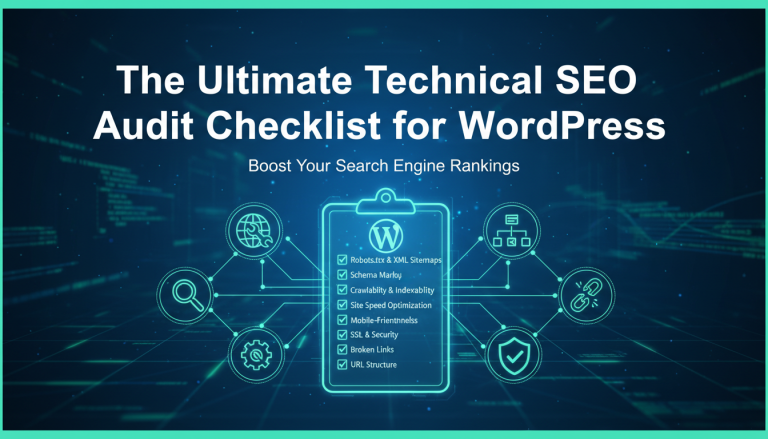 The Ultimate Technical SEO Audit Checklist for WordPress