
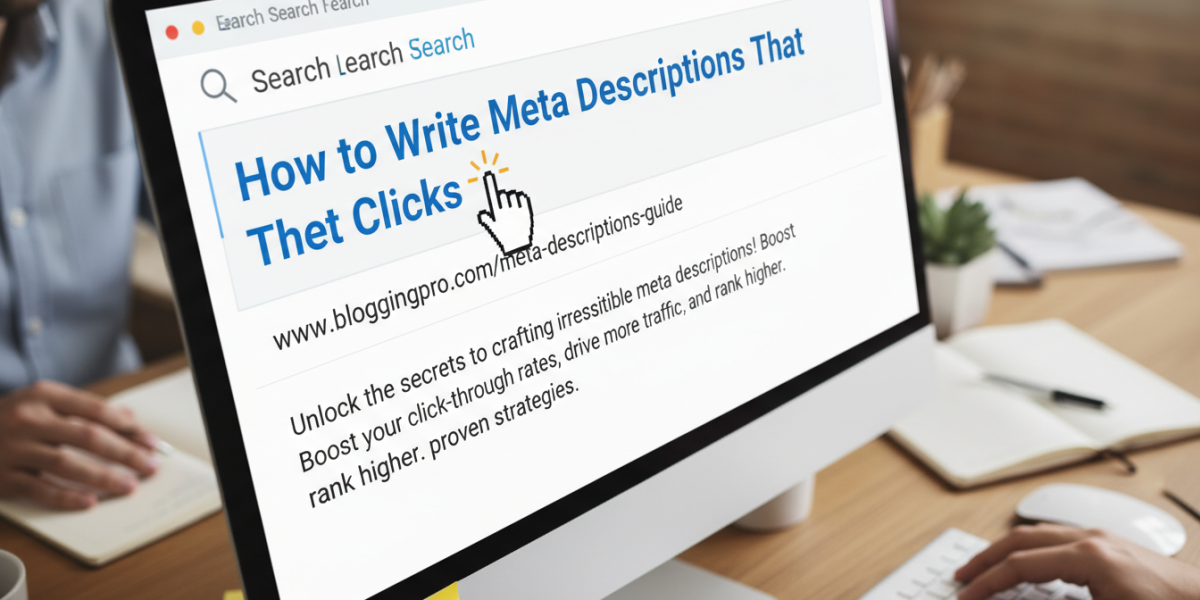
If you’ve ever wondered why some search results get clicked constantly while others are ignored, the answer often comes down to one small but powerful piece of text: the meta description. These short snippets — typically around 150 to 160 characters — appear beneath your page title in search engine results and act as a mini advertisement for your content. Writing meta descriptions that get clicks isn’t just a technical SEO task. It’s a copywriting challenge that directly affects your traffic, your bounce rate, and ultimately your conversions.
This guide walks you through everything you need to know to write meta descriptions that actually work.
What Is a Meta Description and Why Does It Matter?
A meta description is an HTML attribute that provides a brief summary of a webpage’s content. Search engines like Google often display this text beneath your page title and URL in search results, giving users a preview of what to expect if they click through.
Here’s why it deserves your attention:
Google has confirmed that meta descriptions are not a direct ranking factor. However, they have a significant indirect impact. A well-written meta description increases your click-through rate (CTR), and a higher CTR signals to search engines that your page is relevant — which can influence your rankings over time.
Think of it this way: your page might rank in position four for a competitive keyword, but a compelling meta description could outperform results in positions two and three simply because it speaks more directly to what the searcher actually wants.
The Anatomy of a Meta Description That Gets Clicks
Length and Character Count
Google typically displays between 150 and 160 characters for desktop results and around 120 characters on mobile. Go beyond that and your description gets cut off — sometimes at an awkward point that confuses readers.
Keep your most important information front-loaded. Don’t bury your key message at the end of a long sentence.
The Role of Active Language
Passive voice kills momentum. Compare these two versions:
- Passive: "Information about tax filing services can be found on this page."
- Active: "File your taxes confidently with our step-by-step guidance and expert support."
The second version speaks directly to the reader. It tells them what they’ll get and what they’ll feel when they get it.
Including Your Target Keyword Naturally
While Google sometimes rewrites meta descriptions based on the search query, including your target keyword still makes sense. When a user’s search term appears in your meta description, Google often bolds it — making your result stand out visually in a page full of competing links.
Don’t force the keyword. If it doesn’t fit naturally in a sentence, rephrase the description until it does.
How to Write Meta Descriptions That Actually Drive Clicks
Start With the Reader’s Intent
Before you write a single word, ask yourself: what does this person actually want? Are they looking to solve a problem, compare options, make a purchase, or find a quick answer?
A searcher typing "how to fix a leaking pipe" is in problem-solving mode. They want reassurance that your page will help them fix it — fast. A description like "Step-by-step guide to fixing a leaking pipe yourself, no plumber needed" speaks directly to that intent.
Matching your tone and message to user intent is one of the most effective ways to lift your CTR.
Use Emotional Triggers Without Being Gimmicky
Good meta descriptions connect with the reader on a human level. Words like "free," "guaranteed," "proven," "quick," and "without the hassle" tap into genuine desires — saving time, avoiding stress, getting results.
But there’s a line between compelling and cheesy. Avoid hollow superlatives like "the best ever" or "unbelievable results." Readers have seen these phrases thousands of times and they’ve learned to skip past them.
Instead, be specific. "Cut your editing time in half with these five formatting techniques" is far more convincing than "Amazing tips to improve your writing instantly."
Include a Clear Call to Action
Many meta descriptions forget to tell the reader what to do next. A simple action phrase can make a real difference.
Consider endings like:
- "Find out how."
- "Get your free quote today."
- "See the full breakdown."
- "Compare plans and get started."
These small nudges give the reader a reason to click now rather than scrolling past.
Common Mistakes That Hurt Your Click-Through Rate
Duplicating Descriptions Across Pages
Every page on your site should have a unique meta description. Google’s own documentation explicitly warns against using the same description across multiple pages, as it can confuse both users and search engines.
If you’re running a large e-commerce site or a blog with hundreds of posts, this can feel overwhelming. Prioritise your highest-traffic pages first, then work through the rest systematically.
Stuffing Keywords Into the Description
Cramming three or four keyword variations into 160 characters doesn’t just look bad — it reads badly too. Users can tell when content has been written for an algorithm rather than for them, and they’ll click on a competitor’s result instead.
One naturally placed keyword is enough. Use the remaining space to actually sell the click.
Writing a Summary Instead of a Pitch
A common mistake is treating the meta description like an automated extract from the page — essentially a bland summary of what’s on it. That approach wastes the space.
Your meta description is prime real estate. Use it to convince someone to visit your page, not just describe what’s on it. There’s a big difference between "This article covers SEO basics" and "New to SEO? Learn the five fundamentals that every beginner gets wrong — and how to fix them."
Meta Descriptions for Local Businesses and Regional Searches
If your business serves a specific geographic area, your meta descriptions should reflect that. Local search intent is powerful, and including a city, region, or country in your description can significantly improve relevance for nearby users.
For example, a Dublin-based accounting firm might write: "Trusted tax advisors serving Dublin businesses since 2008 — get your free consultation today."
This approach works because it instantly tells the searcher that the result is relevant to their location. It also builds credibility through specificity — "since 2008" is far more trustworthy than "years of experience."
In markets like Ireland and the UK, where users are often searching for local services rather than national brands, this kind of regional anchoring in your meta description can genuinely move the needle on CTR.
Testing and Improving Your Meta Descriptions Over Time
Writing a meta description isn’t a one-and-done exercise. The best-performing descriptions are often the result of testing and refinement.
Using Google Search Console
Google Search Console shows you the CTR for every page on your site. If a page is ranking well but has a low CTR, that’s a clear signal your meta description isn’t doing its job. Update it, wait a few weeks, and track whether the CTR improves.
A/B Testing at Scale
Platforms like Google Ads let you test different versions of ad copy — and the lessons apply directly to meta descriptions. Try different emotional hooks, different calls to action, and different ways of framing the value you offer. The winning formula from your ads can often be adapted for organic search.
Frequently Asked Questions
What is the ideal length for a meta description?
Aim for between 150 and 160 characters for desktop and around 120 characters for mobile. Anything longer risks being cut off in search results, which can leave your message incomplete. Focus on getting your most important points in early.
Does Google always show the meta description I write?
Not always. Google sometimes rewrites meta descriptions if it believes a different section of your page better matches the user’s search query. Writing a clear, relevant description still improves your chances of having it displayed as intended — and helps Google understand your page’s purpose.
How often should I update my meta descriptions?
Review them whenever you update the page content, notice a drop in CTR, or target a new keyword. For high-traffic pages, checking every three to six months is a reasonable habit. Don’t treat them as permanent — search behaviour evolves, and your descriptions should too.
Is it worth writing meta descriptions for every page on my site?
Yes, especially for your most important pages: your homepage, service pages, product pages, and top blog posts. For very large sites, prioritise by traffic and commercial value. Even a modest improvement in CTR on a high-traffic page can translate into meaningful gains in visitors and leads.
Can a good meta description improve my rankings?
Not directly. Meta descriptions are not a confirmed ranking signal. However, a higher CTR tells Google that searchers find your result relevant and appealing — and that behavioural signal can contribute to improved rankings over time. The relationship is indirect but real.
Conclusion
Writing meta descriptions that get clicks is part craft, part strategy, and part empathy. The best ones speak clearly to what the reader wants, give them a reason to choose your result over the others, and do it all in under 160 characters. That’s a genuine skill — and like any skill, it improves with practice, testing, and a willingness to look at the data honestly.
The key takeaways are straightforward: match your message to search intent, use active language, avoid keyword stuffing, include a call to action, and always write for a human reader first. If your meta descriptions have been on autopilot, now is the time to revisit them. Small changes to these tiny snippets of text can produce surprisingly significant improvements in traffic and engagement.
Ready to improve your site’s visibility and click-through rates? If you’d like expert guidance on your SEO strategy — including meta descriptions, on-page optimisation, and content that converts — our team would love to help. Get in touch at moc.ssobebolg@ofni or call us on +353 1 868 2345. We’re happy to talk through your requirements, answer your questions, or put together a tailored plan that works for your business.
Related Posts
 Crafting Winning Titles & Metas | Globe Boss SEO Agency Dublin
 How to Write Meta Descriptions That Get More Clicks
 How to Write Title Tags That Boost Click-Through Rate
 Dublin SEO Services for Click-Worthy Titles & Meta Descriptions
 How to
improve click through rates with engaging titles and metas
How to
improve click through rates with engaging titles and metas Find Website Errors Without Digging Through DevTools
 Nutritionist SEO: Grow Your Client Base Through Search
 Revolution of E-commerce Through AI Search Evolution