

Home/Products/WordPress Plugins/GB Speed Optimizer
Most speed plugins hand you a list. This one does the work.
You already know your site is slow — PageSpeed told you, twice. What you don't have is a spare afternoon to work through twenty recommendations written for developers. GB Speed Optimizer scans your Core Web Vitals, applies the fixes itself, and shows you the score before and after.
Knowing what's wrong isn't the same as fixing it.
Every speed tool on the market is a diagnostic. The gap between the report and the repair is where most sites stay slow for years.
The advice is written for developers
"Eliminate render-blocking resources" is a clear instruction if you know which resources and how. If you don't, it's a sentence you read and close the tab on.
Fixes undo themselves
You optimise the images, then upload forty more. You defer the scripts, then install a plugin that adds three. Speed is a state you maintain, not a task you complete.
It costs you before you notice
Core Web Vitals feed into rankings, and slow pages lose visitors before they ever see the offer. The damage is spread thinly enough that nothing looks urgent.
What it optimises
Six areas, all handled inside WordPress with no server access and nothing to configure on a CDN dashboard.
Page caching
Serves finished pages instead of rebuilding them on every request, with sensible exclusions for carts, checkouts and logged-in users already set.
CSS and JavaScript handling
Minifies, combines where it helps, and defers what's blocking the first paint — with a safe mode that backs off if a theme breaks.
Image optimisation
Compresses and converts to modern formats, sets explicit dimensions to stop layout shift, and lazy-loads everything except the image above the fold.
Font optimisation
Self-hosts external fonts, preloads the ones used above the fold, and removes the render delay caused by third-party font requests.
Database cleanup
Clears expired transients, orphaned metadata and the thousands of post revisions quietly inflating your database and your backups.
CDN configuration
Connects your CDN and rewrites asset URLs correctly, which is the step most people skip and the reason their CDN never seemed to help.
Scan, fix, prove it
The before-and-after score is the point — it's what you send the client.
Scan
Speed Optimizer measures your Core Web Vitals and identifies what's actually costing you time on your pages, not on a generic checklist.
Apply
Fixes are applied for you, in order of impact. Anything risky is flagged rather than forced, and every change can be reverted.
Re-scan and report
Scheduled scans catch regressions as the site changes, and generate a branded before-and-after report you can hand straight to a client.
Pricing
One licence covers scanning, fixing and reporting. There's no metered usage and no page limit.
Solo
€29 /year
One site. For owners who want it fast and want it to stay fast.
Agency
€69 /year
Multiple client sites with white-label reports on each.
Unlimited
€99 /year
No site cap, for agencies maintaining performance at scale.
Prices exclude VAT. Tax is calculated at checkout based on your location. Annual licence, cancel any time.
| Feature | Solo | Agency |
|---|---|---|
| Core Web Vitals scanning | ||
| Caching, minification and deferral | ||
| Image and font optimisation | ||
| Database cleanup | ||
| CDN configuration | ||
| Scheduled scans | ||
| White-label client reports | ||
| Multi-site dashboard |
Questions
Can it break my site?
Aggressive optimisation can break badly built themes — that's true of every caching plugin. Speed Optimizer applies the safe changes first, flags the risky ones for your approval rather than forcing them, and every change is reversible.
Do I still need a caching plugin?
No, and you shouldn't run two. Caching is built in. Deactivate WP Rocket, W3 Total Cache or whatever else is installed before enabling it, or they'll fight each other.
Will it work on shared hosting?
Yes. Everything runs inside WordPress with no server configuration, which is exactly why it exists — most real speed advice assumes root access you don't have.
What score should I expect?
It depends far more on your theme and hosting than on any plugin. A heavy page builder on shared hosting won't reach ninety no matter what. The honest promise is a measurable improvement on your own baseline, which the before-and-after report shows you.
Does it optimise images already in my library?
Yes — existing uploads are processed in batches as well as new ones, so you don't have to re-upload anything.
Running performance across a portfolio of client sites?
The Agency tier puts every site in one dashboard with scheduled scans and branded reports, so the monthly performance update writes itself.
Related Posts
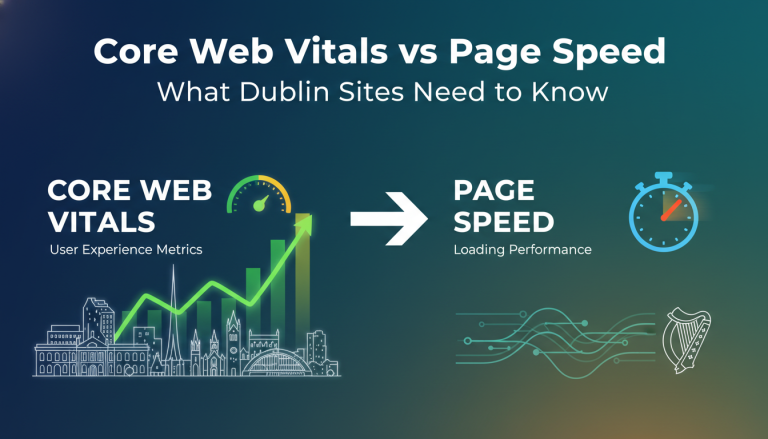 Core Web Vitals vs Page Speed: What Dublin Sites Need to Know
 Page Speed Optimisation for Irish E-commerce Stores
 Mobile Page Speed in Ireland: How Slow Sites Lose Customers
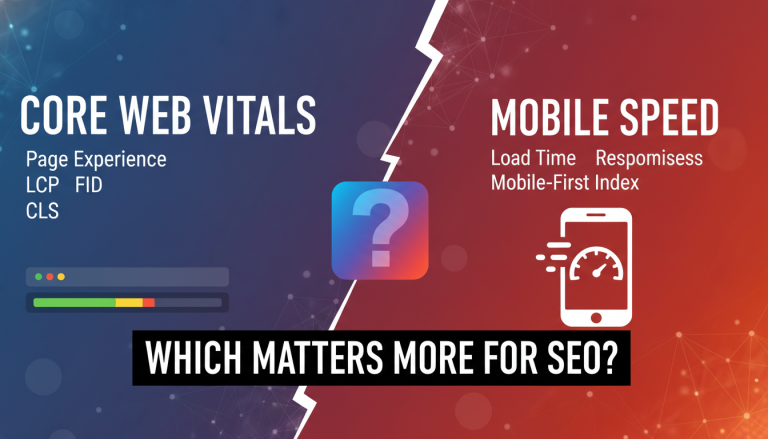 Core Web Vitals vs Mobile Speed: Which Matters More for SEO?
 How to Use AI to Speed Up Your Keyword Research
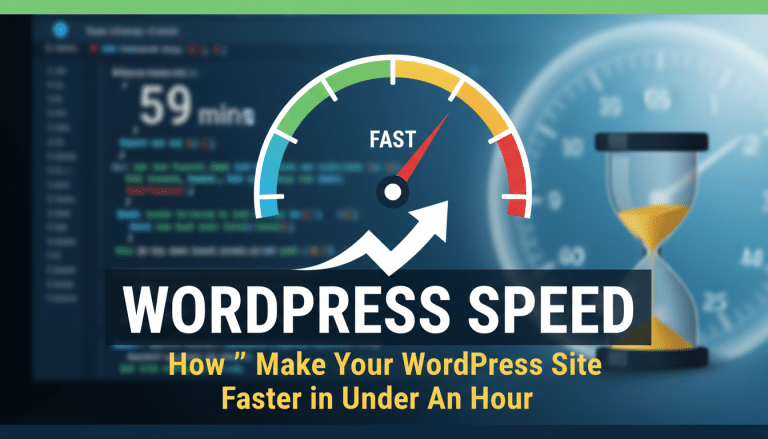 How to Make Your WordPress Site Faster in Under an Hour
 Why a Slow Website Is Killing Your Search Rankings
 How to scale your Irish business at the speed of light